

Templates you can work with
Retractable Banner
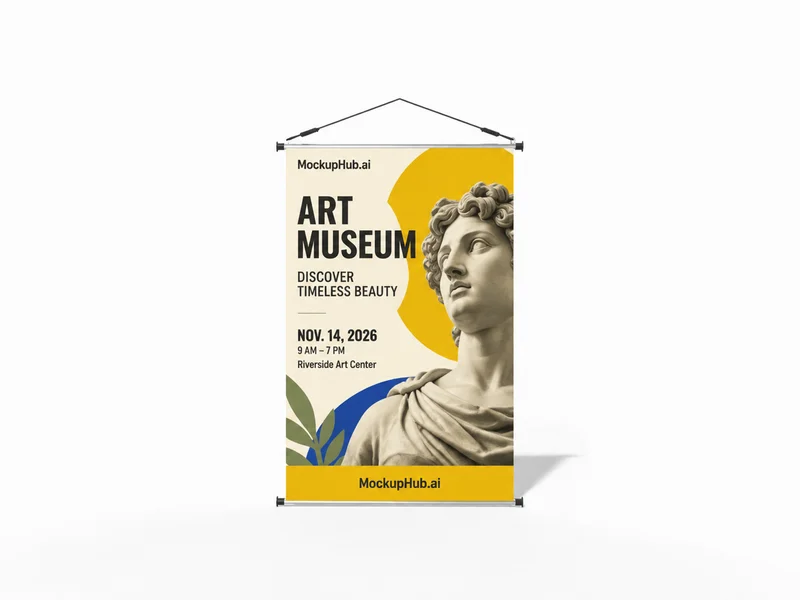
Review a tall event graphic against the fabric appearance with the pole and sleeve visible. Keep the headline clear of the support and inspect fine type in the full display view.
View templateRetractable Banner
Choose this glossy display to check reflections over a tall promotional layout. Keep its support feet and pole visible when comparing the graphic’s scale with the stand.
View templateHow to choose a banner mockup
Leave room above the base
Choose a banner mockup by the stand’s height, width and lower mechanical boundary. Compare that visible area with the supplier’s finished format before arranging the headline. Keep important content above any section hidden inside the base.
Preserve the design’s proportions and leave the stand visible in an overview. Check the top and side boundaries against the printer’s artwork guide before using a closer view for small details.
Check the display face and hardware
Keep the headline fixed while inspecting the banner face and its surrounding support. Check whether the selected template offers separate base or hardware colors, then compare one setting at a time. Those controls leave the uploaded layout unchanged.
Inspect thin rules and logos near the panel edges. Use the printer’s safe area for placement, and check the reduced overview before adding more text to the design.
Read the headline from a distance
Review the main headline in a small overview before reading sponsor or contact details. Keep the full stand visible so the audience can understand the display’s scale and construction. An enlarged crop can make secondary text appear more readable than intended.
Confirm the real viewing distance and printer’s finished dimensions. Supply the original flat layout with its requested bleed and safe area, then check the production proof before ordering.
Export formats and image dimensions
Use 2K (2048-pixel long edge) for banner proposals, 4K (4096) for larger presentations and 8K (8192) for detailed crops. The other dimension follows your aspect ratio. Start with a sharp upload.
Choose PNG for transparency or crisp edges; JPG for smaller opaque images. Check small text again after resizing or cropping. Check web pixel requirements or the printer’s PPI for printed presentations. Your banner mockup is a presentation image. Supply original flat artwork with trim, bleed and safe area separately.
Common uses for this collection
Review a conference headline above the stand’s lower base.
Compare sponsor logos on a tall exhibition graphic.
Check a contact line clear of the retractable mechanism.
Prepare a trade-show proposal with the support visible.
Present two display concepts using the same camera direction.
Frequently asked questions
Which banner mockup fits my project?
Match the retractable stand’s visible proportions and lower mechanism. Use its supplier’s artwork guide for any hidden material inside the base, keeping the headline and contact details within the area visitors can actually see.
What can I edit in a banner mockup?
Upload your design to the template’s artwork area. Check its available body, pole and cord color controls and material presets before editing; a product-color change is separate from the graphic saved in your image.
Where should the headline sit in a retractable banner mockup?
Keep it on the visible face above the stand’s lower mechanism. Show the complete display to judge the headline against the usable panel rather than an enlarged crop.
Why does small text disappear in a roll up banner mockup?
Check whether the text is near the hidden lower region or simply too small in the full stand view. Review the message at the final proposal size before adding more contact details.
How do I compare concepts in a display banner mockup?
Keep the stand, angle and surrounding space consistent across concepts. Compare the main headline first, then use a close view for sponsor logos and secondary text.
How much of the graphic can disappear into the base?
That allowance depends on the actual stand. Obtain its production template, then position key wording above the hidden lower region and keep a complete stand view when sharing the proposal.
Preview banner mockups with your own artwork and compare the result from a readable angle. Choose a matching template to start your design.