

Templates you can work with
Acrylic Frame
Use the square acrylic display to review a single artwork crop. Keep the magnets and stand visible while checking the image against its backing and clear surrounding surface.
View templateThree-Poster Frame
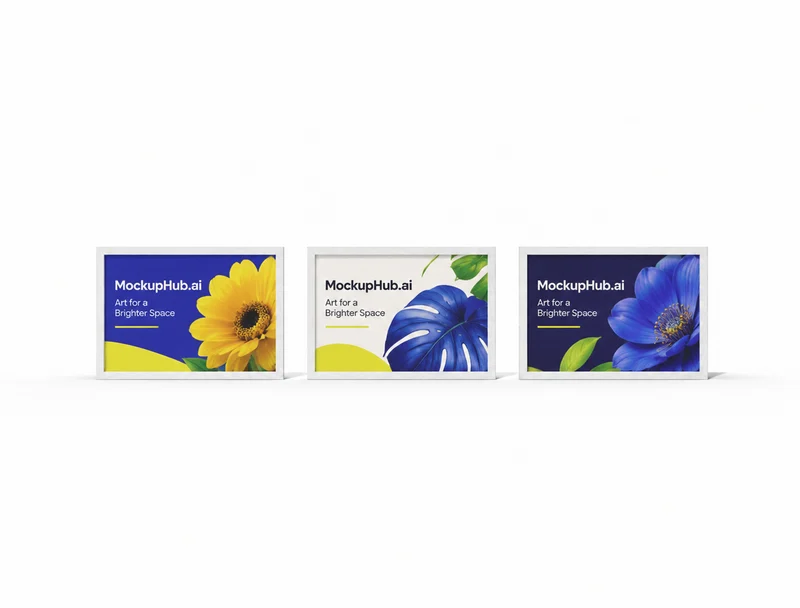
Choose the three-poster frame to compare several compositions in one display. Prepare the combined artwork for its supplied design area and check spacing against the surrounding frame.
View templateHow to choose a frame mockup
Match the visible opening
Choose a frame mockup by its visible opening and mounting arrangement. Compare that opening with the artwork’s proportions before selecting a crop. Keep essential details clear of magnets, backing edges or parts that overlap the displayed image.
Show the stand or mounting structure while checking the full composition. Use the supplier’s actual visible dimensions to decide how much border or signature space remains around the artwork.
Check the frame and mounting parts
Check the same image beside the magnets, backing or surrounding frame without changing its crop. Inspect narrow borders where they meet the opening, then reduce the view to see whether the main subject still reads clearly.
Try the selected template’s available frame or support colors separately from the image. Those controls leave the uploaded composition unchanged, so prepare any intended border or background in the original artwork.
Review the crop with the full display
Keep the stand or mounting structure visible in the overview. Add a closer view for signatures and borders near the opening, using the same artwork crop in both images. The full view should still explain how the piece is displayed.
Confirm the actual print size and visible opening with the maker. Supply the original image at its requested resolution and use a proof or sample to approve color and mounting clearance.
Export formats and image dimensions
Use 2K (2048-pixel long edge) for framed-art listings, 4K (4096) for larger presentations and 8K (8192) for detailed crops. The other dimension follows your aspect ratio. Start with a sharp upload.
Choose PNG for transparency or crisp edges; JPG for smaller opaque images. Check small text again after resizing or cropping. Check web pixel requirements or the printer’s PPI for printed presentations. Your frame mockup is a presentation image. Supply original flat artwork with trim, bleed and safe area separately.
Common uses for this collection
Review a poster border inside a surrounding frame.
Compare an illustration beside acrylic display magnets.
Prepare a three-poster presentation for a client.
Check a signature clear of the visible aperture edge.
Show a gallery how the artwork relates to its stand.
Frequently asked questions
Which frame mockup fits my project?
Compare the acrylic and multi-poster display constructions before judging the crop. Check the visible opening and mounting parts, keeping signatures, borders and text clear of any edge that covers the artwork.
What can I edit in a frame mockup?
Upload your design to the template’s artwork area. Check its available stand, body and frame color controls and material presets before editing; a product-color change is separate from the graphic saved in your image.
How do I avoid an unwanted crop in a poster frame mockup?
Compare the image proportions with the visible opening before positioning the subject. Inspect borders and signatures beside any frame edge that overlaps the artwork.
How do I keep details clear in an acrylic frame mockup?
Keep the magnets, backing and stand visible while checking the image. Move a signature or small name away from overlapping parts, then inspect a reduced overview for the full composition.
How do I prepare several images for a framed print mockup?
Check the selected template’s artwork region before arranging the images. For a combined multi-poster region, prepare the complete layout in the source image and inspect the gaps in the full frame view.
Why does my border look uneven inside the frame?
Compare the uploaded image’s ratio and margins with the visible opening. Keep the subject proportionate and confirm the actual frame aperture before printing; a nominal sheet size may include edges that the surround hides.
Preview frame mockups with your own artwork and compare the result from a readable angle. Choose a matching template to start your design.