


Explore related types
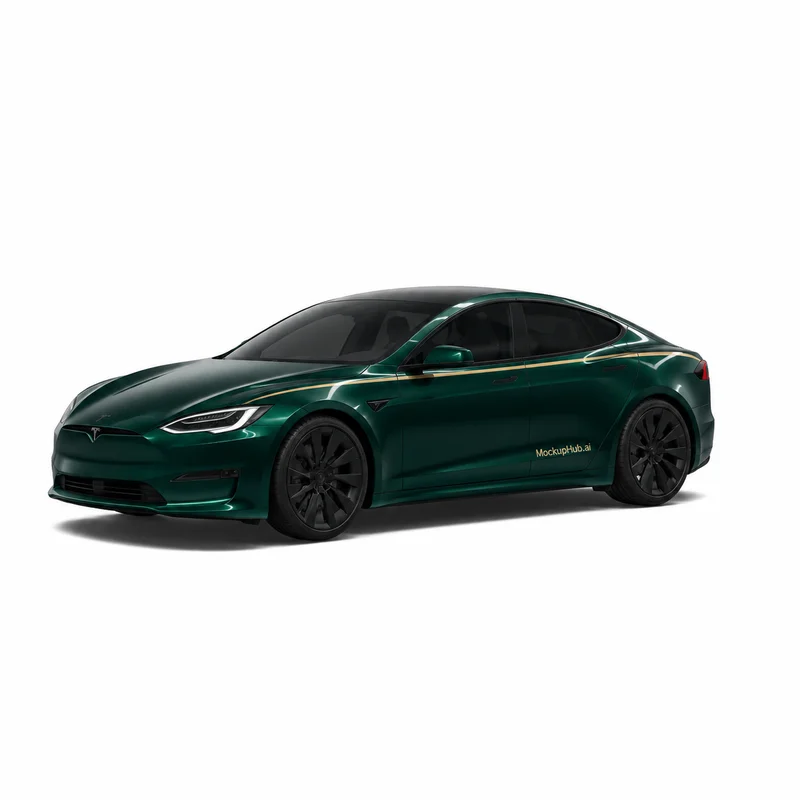
Tesla
Open the Tesla collection to compare named models, generations and variants. Choose the matching body there, then use consistent views to build the wider vehicle-branding proposal.
Explore TeslaHow to choose a car wrap mockup
Start with the vehicle and brief
Choose a car wrap mockup after recording the make, model and generation, then define what the vehicle must communicate. Decide whether the client is reviewing a door logo, a side identity or a coordinated fleet direction before sizing the artwork.
Open the relevant vehicle collection to compare matching bodies. Keep the main business name readable in a complete side view and list the details that need separate close images.
Build a clear sequence of views
Use a side view to explain the main identity, then add front and rear views for supporting messages. Keep similar camera directions and surrounding space across concepts so a larger crop does not make one proposal look more prominent.
Rotate to inspect where the design meets handles, lights and wheel openings. Move essential words onto readable areas before adding more detail or choosing a decorative presentation angle.
Prepare the approval handoff
Separate the client’s visual decisions from the installer’s production checks. Record the chosen graphic, color direction and vehicle identity with the approved views so the next person can understand what was agreed without reconstructing the proposal.
Supply the original artwork and ask the installer to verify panel measurements, cuts and application margins. Choose physical film from its samples, using the images as a placement reference during the final review.
Export formats and image dimensions
Use 2K (2048-pixel long edge) for vehicle proposals, 4K (4096) for larger presentations and 8K (8192) for detailed crops. The other dimension follows your aspect ratio. Start with a sharp upload.
Choose PNG for transparency or crisp edges; JPG for smaller opaque images. Check small text again after resizing or cropping. Check web pixel requirements or the printer’s PPI for printed presentations. Your car wrap mockup is a presentation image. Supply the installer separate measured artwork with panel and opening clearances.
Common uses for this collection
Turn a business identity into a door-logo proposal with a clear reading order.
Compare two side-layout concepts from the same camera direction.
Build a consistent approval board for a fleet-branding project.
Show a client where supporting messages will appear on front and rear views.
Give an installer an approved visual brief alongside the original artwork.
Frequently asked questions
Where should I start with a car wrap mockup?
Record the vehicle make, model and generation, then decide which message must read first. Choose a matching body before placing artwork and keep a complete side view for the main identity.
What should a client approve in a car wrap mockup?
Agree the main graphic, placement and color direction using a consistent set of views. Record the selected vehicle identity with those images so the installer can connect the approved concept to the actual project.
Which views belong in a vehicle wrap mockup proposal?
Start with a full side view and add front or rear views where the design continues. Use a close image for small lettering or a transition while keeping the same artwork proportions.
How do I compare concepts in a car livery mockup?
Keep the vehicle, camera direction and surrounding space fixed across concepts. Review the main name at a reduced size before comparing secondary details or decorative graphics.
How do I check a logo in a 3D car mockup?
Rotate from the side toward the front and rear while following the logo’s edges. Keep important words clear of openings and move the design if the body shape makes them unreadable.
What should I send the installer after the review?
Share the approved views, vehicle identity and original artwork with notes on the intended placement. Ask the installer to verify physical panel measurements, film choice, cuts and overlaps before production.
Use car wrap mockups to agree a clear vehicle-branding brief and the views that explain it. Choose a matching vehicle collection, prepare the concept and export the images for review.