


Explore related types
Cup
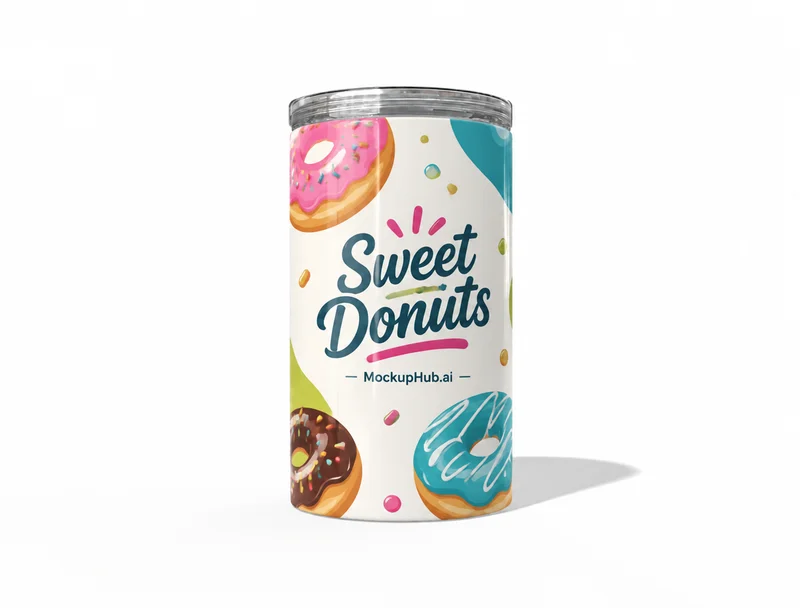
Choose between paper takeaway shapes and a travel tumbler. Check the rim and lid before arranging a wraparound graphic.
Explore cupCandle
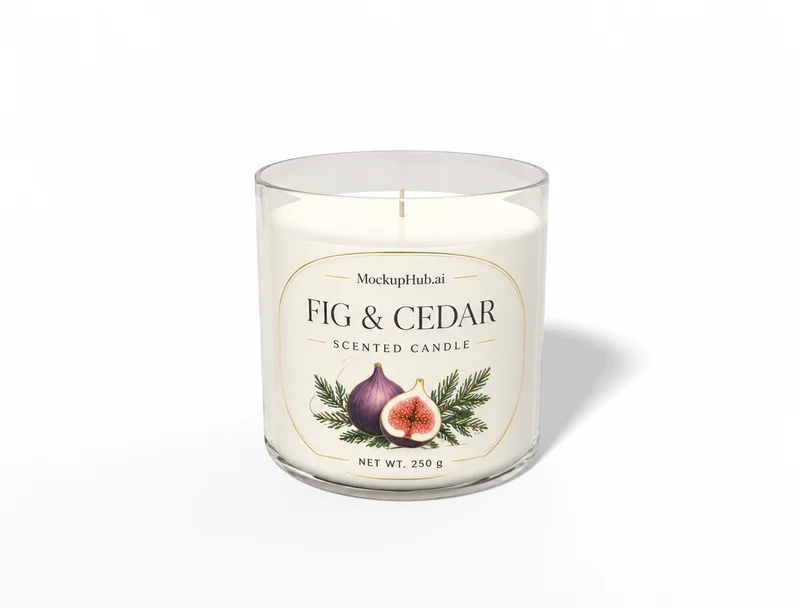
Compare labels on glass candle containers. Inspect the fill and wick alongside the printed identity.
Explore candlePlanter
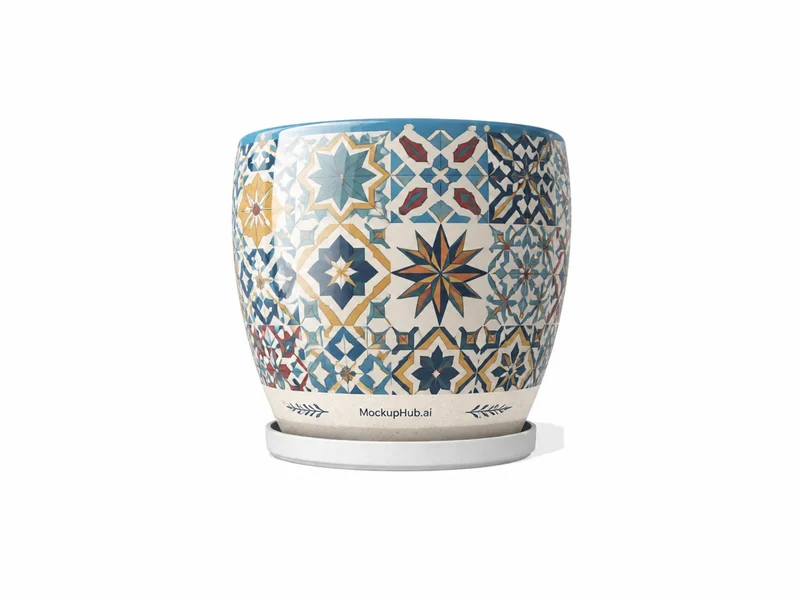
Review ceramic pots with saucers. Judge motif scale against the taper and the visible tray.
Explore planterHow to choose a home decor mockup
Match the decoration surface
Choose a home decor mockup by the useful decoration wall. Candle jars, cups and planters have different rims, lids and curves that limit where a graphic stays readable. Compare those shapes with the product you plan to sell.
Keep the object recognizable while sizing the motif, and rotate to inspect its sides. Check the maker’s actual surface dimensions before placing text near a rim or curved lower edge.
Compare the material and parts
Check the same artwork against the selected glass, paper, plastic or ceramic appearance. Pale label edges and thin outlines can lose contrast around reflections or curves. Review a close view, then return to the final product-card size.
Compare available lids, fills, liners or trays separately from the uploaded graphic. Use transparent margins where the object should remain visible; changing a part color leaves the source image’s background unchanged.
Keep the homeware range consistent
Keep the objects recognizable across a coordinated range. Use similar camera directions while adjusting the motif to each item’s actual surface. A cup, candle and planter should retain their own proportions instead of sharing a stretched version of one label.
Show a complete object beside any close decoration view. Confirm the maker’s print or label limits and inspect a sample for the real surface, color and finish.
Export formats and image dimensions
Use 2K (2048-pixel long edge) for homeware listings, 4K (4096) for larger presentations and 8K (8192) for detailed crops. The other dimension follows your aspect ratio. Start with a sharp upload.
Choose PNG for transparency or crisp edges; JPG for smaller opaque images. Check small text again after resizing or cropping. Check web pixel requirements or the printer’s PPI for printed presentations. Your home decor mockup is a presentation image. Supply original decoration artwork and usable surface dimensions separately.
Common uses for this collection
Compare a candle label with a matching planter motif.
Review a café identity on a takeaway cup.
Check a pattern scale around a ceramic plant pot.
Prepare coordinated listing views for a small homeware range.
Discuss contrasting lid, fill or saucer colors with a client.
Frequently asked questions
Which home decor mockup fits my project?
Start with the household object: a candle, cup or planter. Compare the useful wall, taper, rim and any lid or saucer so the design fits the actual surface rather than a generic rectangle.
What can I edit in a home decor mockup?
Upload your design to the selected template’s artwork area. Check its own material and part-color options before editing, since controls vary across products; changing an object’s color is separate from changing the graphic saved in your image.
How do I keep a collection consistent in a homeware mockup?
Use comparable camera directions and surrounding space for each item. Adjust the motif to the actual decoration area of the cup, candle or planter while preserving its proportions.
How do I compare pale labels in a candle mockup?
Hold the view steady while checking the label against the selected glass and visible fill. Inspect the scent name at the final store-card size before choosing a closer detail view.
Where should a logo sit in a cup mockup?
Keep the main name on the readable front, clear of the rim and lower curve. Turn the cup to inspect how much of the supporting design disappears around the tapered wall.
How do I compare a repeat in a planter mockup?
Keep the pot and saucer visible while judging the motif beneath the rim. Inspect a side view for the taper, using the same pattern proportions across the comparison.
Preview home decor mockups with your own artwork and compare the result from a readable angle. Choose a matching template to start your design.