3D Mockup
Flower Pot Mockup for Product Surface and Artwork Review
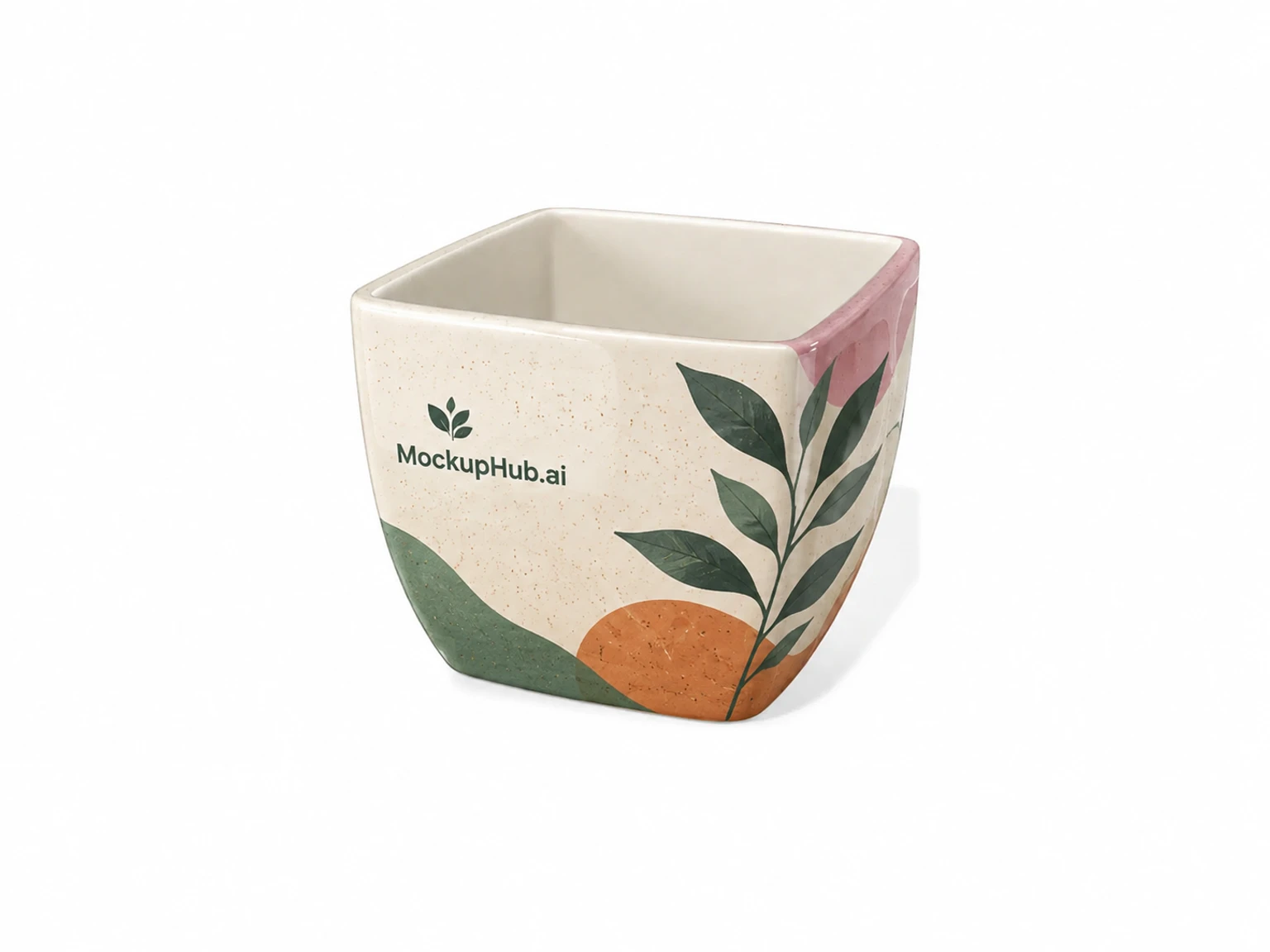
Reference preview
Reference cover; your result depends on your artwork and editor settings.
This flower pot mockup presents the pot surface for product artwork, with the vessel form visible for reviewing graphic placement and the overall design.
- 1 design area
- 2 finishes
- Recolor parts
- JPG / PNG
Template details
Artwork
Artwork
- Design canvas
- 2,079 × 491 px
- Artwork size
- 550 × 130 mm
Customization
- Material presets
- Ceramic glossy, Ceramic matte
- Recolorable parts
- Body, Inner liner
Export
- Image export
- JPG / PNG
- Image resolution
- 2K2,048 px long edge
- 4K4,096 px long edge
- 8K8,192 px long edge
- Artwork PDF
- With dimensions
Usage notes
For visual previews. Before production, confirm dimensions, colors and print requirements with your manufacturer.
Design guide
A shop name, botanical illustration or repeating pattern can look different once placed on a flower pot. Use this preview to check where the design appears on the vessel, then compare ceramic finishes and colors.
Fit a wide design to the flower pot
Prepare an image using the 2079 × 491 px canvas for the Artwork surface. The corresponding flat sheet measures 550 × 130 mm; this is the artwork layout size, not the finished pot size.
Upload your image and inspect the text and graphics on the pot. If a name or illustration appears in the wrong place, move it within your source image and upload the revision. Check the placement again before saving a presentation image.
Compare ceramic finishes and pot colors
Choose Ceramic glossy or Ceramic matte to see how each visual preset affects the design’s appearance. These presets represent finishes in the preview, rather than specifying a physical production process. Use the recolor controls for Body and Inner liner to compare colors alongside your uploaded design.
Export the rendered pot as JPG or PNG at 2K, 4K or 8K, with image long edges of 2048, 4096 or 8192 px, respectively.
The fixed template also provides an Artwork PDF with layout dimensions. Use it to review the flat artwork layout; it is not a manufacturing cutting dieline.
Use cases
- Botanical pot listing: Create a garden shop product listing image showing its botanical illustration on the pot in a chosen finish.
- Ceramic finish comparison: Prepare a comparison slide showing the same flower pot artwork with glossy and matte ceramic visual presets.
- Logo layout review: Export an Artwork PDF with layout dimensions to document the garden shop logo design for a project review.
Browse other published templates using the same material preset.
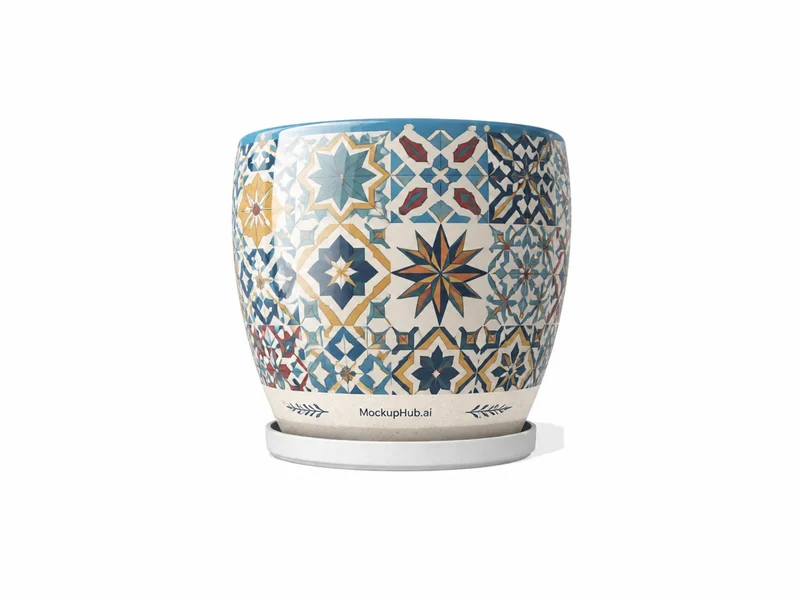


From artwork to mockup
Upload design
Choose a design area and place your artwork.
Customize
Use the available controls to style your scene.
Export
Choose your image format and resolution.