3D Mockup
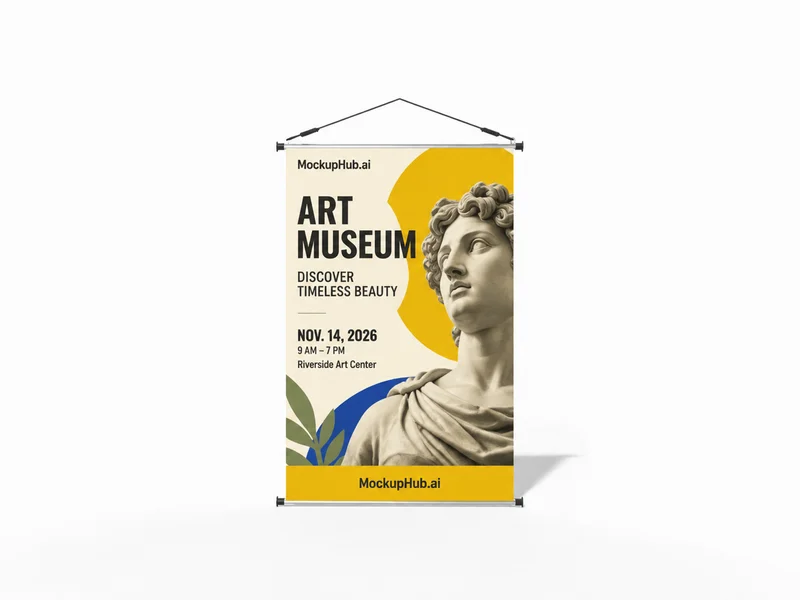
Hanging Banner Glossy Mockup for Clear Signage Concepts
Reference preview
Reference cover; your result depends on your artwork and editor settings.
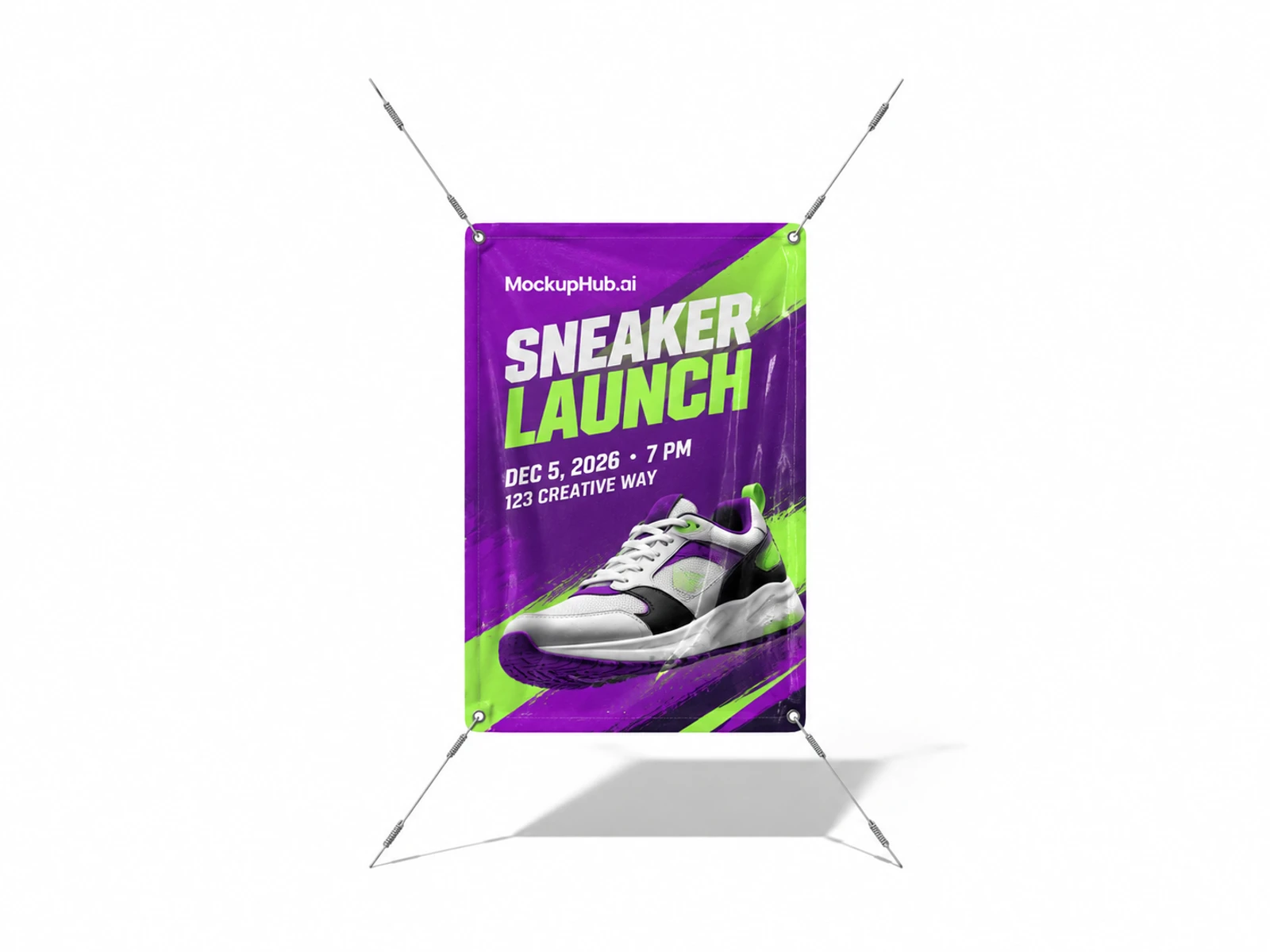
Review a suspended banner on a glossy surface with this mockup.
- 1 design area
- 1 finish
- Recolor parts
- JPG / PNG
Template details
Add campaign artwork, test color contrast, and refine signage messaging for clear presentation.
Artwork
Artwork
- Design canvas
- 918 × 1,365 px
- Artwork size
- 242.947 × 361.244 mm
Customization
- Material presets
- Plastic glossy
- Recolorable parts
- Body, Pull tab, Cord
Export
- Image export
- JPG / PNG
- Image resolution
- 2K2,048 px long edge
- 4K4,096 px long edge
- 8K8,192 px long edge
- Artwork PDF
- With dimensions
Usage notes
For visual previews. Before production, confirm dimensions, colors and print requirements with your manufacturer.
Design guide
Use this hanging banner to check how a portrait sign looks alongside its cord and pull tab. The template has a fixed size, so fit your design to the existing artwork layout.
Fit the portrait banner message
Prepare an image for the Artwork surface at 918 × 1365 pixels, or use the same portrait proportions. After uploading, check that the headline, dates, and graphics appear where you expect them. If the message looks crowded, shorten the text or adjust its spacing in your source image before uploading again.
The artwork sheet measures 242.95 × 361.24 mm. This describes the artwork layout, not the finished banner size. Use it as a reference when reviewing the layout PDF.
Review the complete hanging sign
The Plastic glossy preset controls the visual finish. Recolor the Body, Pull tab, and Cord to compare them with your uploaded design. For example, try a cord color that matches the banner background, then compare a contrasting option. These settings preview appearance rather than specify production materials.
When you have a version to share, export a JPG or PNG at 2K, 4K, or 8K, with a long edge of 2048, 4096, or 8192 pixels, respectively. Export the Artwork PDF to share the flat layout; this fixed template does not provide a manufacturing cutting dieline.
Use cases
- Gallery entrance proposal: Create a hanging banner preview showing an exhibition title and opening dates for a gallery entrance proposal.
- Retail color comparison: Create JPG previews of two sale banner color options for a retailer's seasonal signage presentation.
- Conference sign layout: Prepare an Artwork PDF of the conference registration sign to share its wording and layout with organizers.
Browse other published templates using the same material preset.
 3D mockup, view in 360°
cosmetic
400 ml White Trigger Spray Bottle Mockup
 3D mockup, view in 360°
phone-case
iPhone 16 Pro Case Mockup for Cover Artwork, 150 x 71 x 8 mm
 3D mockup, view in 360°
pouch
Food Sachet Packaging Mockup
 3D mockup, view in 360°
pouch
23 x 120 mm Shaped Sugar Sachet Mockup
 3D mockup, view in 360°
bag
130 x 15 x 150 mm Paper Mailer Bag Mockup
 3D mockup, view in 360°
billboard
Square Billboard Mockup, 1800 x 1800 mm
From artwork to mockup
Upload design
Choose a design area and place your artwork.
Customize
Use the available controls to style your scene.
Export
Choose your image format and resolution.