3D Mockup
130 x 15 x 150 mm Paper Mailer Bag Mockup
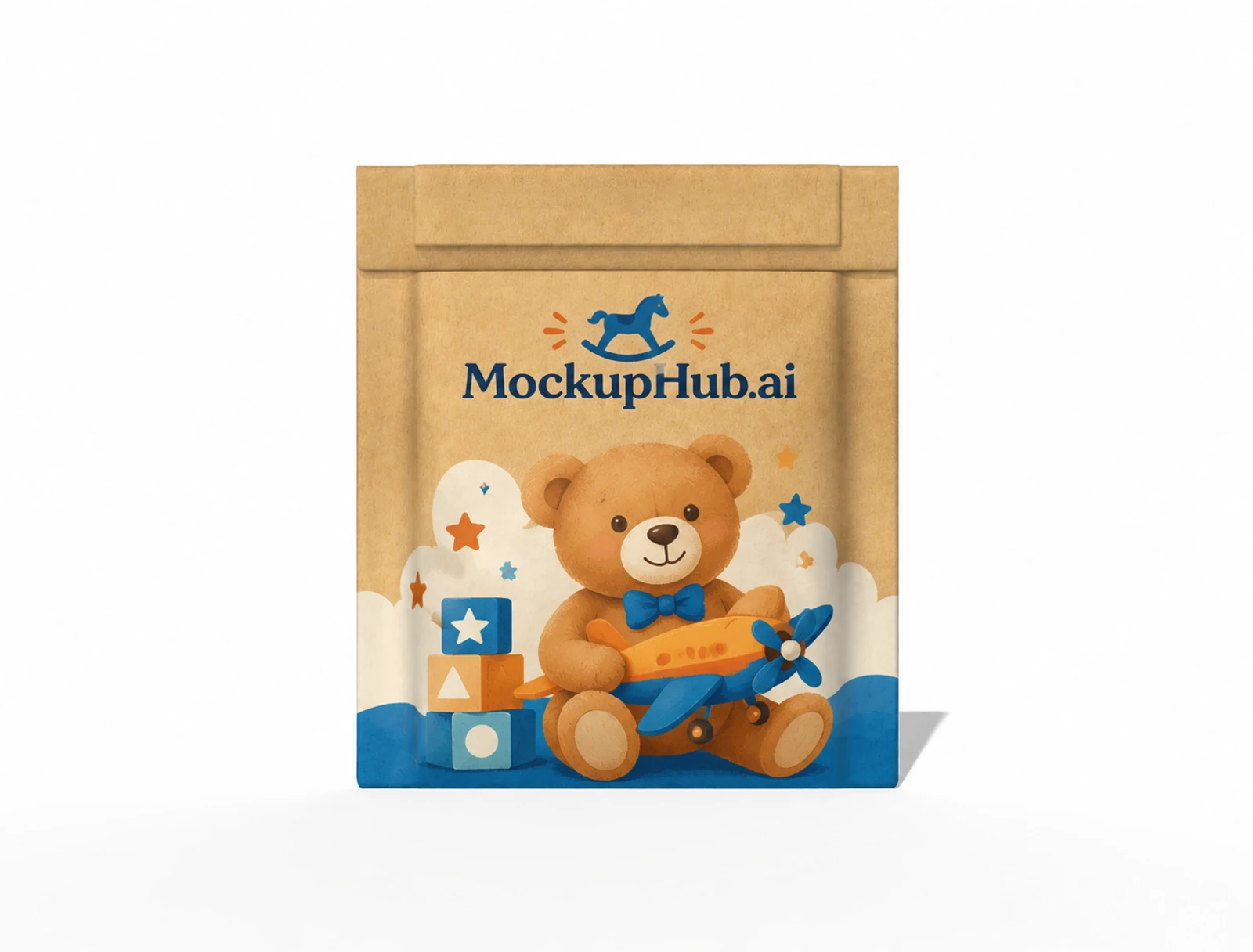
Reference preview
Reference cover; your result depends on your artwork and editor settings.
A 130 x 15 x 150 mm paper mailer bag mockup for presenting mailing, shipping, or courier graphics.
- 1 design area
- 5 finishes
- Recolor parts
- JPG / PNG
Template details
Review label placement on the package; kraft, glossy or matte plastic, and glossy or matte metal are selectable mockup finishes.
Artwork
- Nominal size
- 130 x 15 x 150 mm
- Product dimensions
- 130 × 140 × 175 mmLength × width × height
Artwork
- Design canvas
- 491 × 1,266 px
- Artwork size
- 130 × 335 mm
- Suggested upload
- 491 × 661 px
Customization
- Material presets
- Kraft, Plastic glossy, Plastic matte, Metal glossy, Metal matte
- Recolorable parts
- Body
Export
- Image export
- JPG / PNG
- Image resolution
- 2K2,048 px long edge
- 4K4,096 px long edge
- 8K8,192 px long edge
- Artwork PDF
- With dimensions
Usage notes
Suggested uploads use the editor’s 96 DPI placement rule, sometimes for a main face rather than the full canvas. They are not print-resolution requirements.
For visual previews. Before production, confirm dimensions, colors and print requirements with your manufacturer.
Design guide
Combine the shipping label, return address, and logo into one image for the mailer bag’s single Artwork surface. Review them together in the preview to check that the address remains readable and the logo sits where you intend.
Place the mailer’s address details
The recommended upload is 491 × 661 pixels, while the full canvas is 491 × 1266 pixels. These sizes have different proportions, so check how your uploaded image fits the taller canvas before finalizing label placement. Pay particular attention to text near the edges.
The flattened artwork sheet measures 130 × 335 mm. This is the artwork layout size, not the finished bag size. The template is fixed in size; make placement changes in your image and check the revised upload in the preview.
Compare finishes with the same label
The visual material presets are Kraft, Plastic glossy, Plastic matte, Metal glossy, and Metal matte. Keep your artwork unchanged while comparing them so you can see how the finish affects the appearance of the label and logo. You can also recolor the Body to compare background colors. These controls describe the mockup’s appearance, not physical production specifications.
Export the preview as JPG or PNG at 2K, 4K, or 8K, with long edges of 2048, 4096, or 8192 pixels respectively. The Artwork PDF includes the flattened layout with dimensions; it is not a manufacturing cutting dieline.
Use cases
- Dispatch packaging brief: Create a JPG mailer preview with a shop logo and delivery address for an ecommerce packaging brief.
- Customer return guide: Prepare a PNG return mailer mockup showing the return address and mailing instructions for a customer guide.
- Mailer finish comparison: Build a finish comparison presentation using identical courier artwork to show how the mailer’s appearance changes.
Browse other published templates using the same material preset.
 3D mockup, view in 360°
laptop
14-Inch Lenovo ThinkPad X1 Carbon Gen 10 Laptop Mockup
 3D mockup, view in 360°
signage
Hanging Wayfinding Sign Mockup, 1200 x 235 mm
 3D mockup, view in 360°
stationery
Mailing Envelope Mockup for Invitation Artwork
 3D mockup, view in 360°
bag
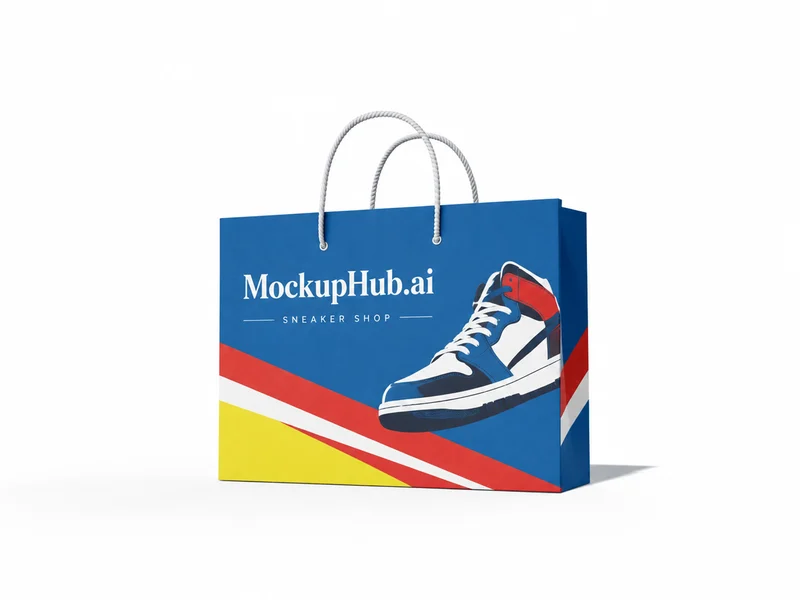
Paper Shopping Tote Mockup for Package Artwork Review
 3D mockup, view in 360°
mobile
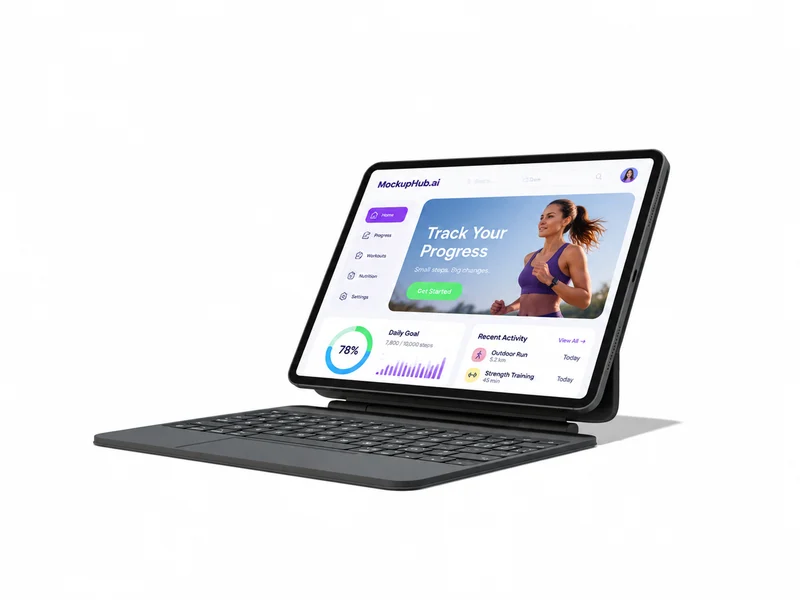
13-Inch iPad Pro with Keyboard Mockup
 3D mockup, view in 360°
banner
Hanging Banner Glossy Mockup for Clear Signage Concepts
From artwork to mockup
Upload design
Choose a design area and place your artwork.
Customize
Use the available controls to style your scene.
Export
Choose your image format and resolution.
