

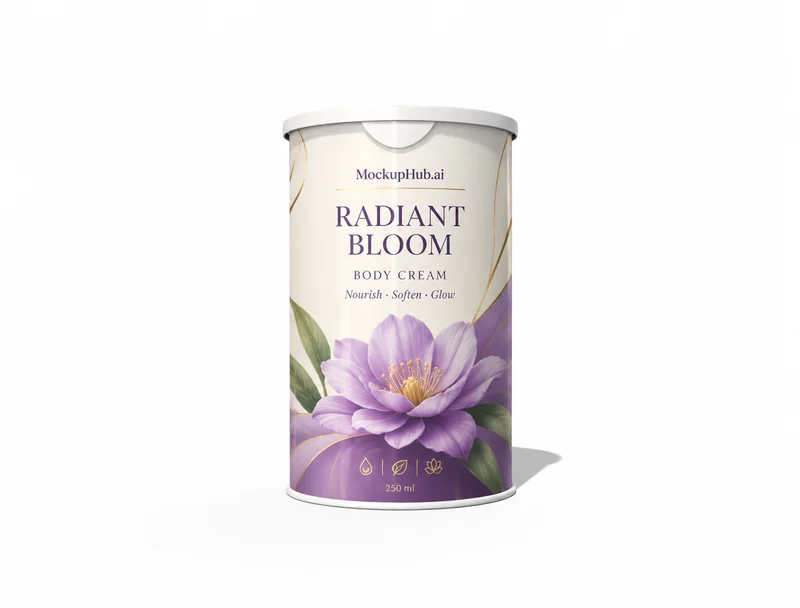
Templates you can work with
Cosmetic Tube
Review wraparound artwork on the cosmetic tube. Keep wording away from the sealed end and compare the lid color.
View template60 ml Plastic Sunscreen Tube
Use the 60 ml tube for sun-care branding. Check benefit wording against the plastic appearance and the available lid color.
View templateHow to choose a cosmetic packaging mockup
Match the tube and closure
Choose a cosmetic packaging mockup with the right tube taper, cap and sealed end. Check the usable body height against the supplier’s drawing before sizing the name. Keep essential wording clear of the crimp and the transition near the cap.
Use a tube for a matching skincare product. Choose the jar, bottle or box category when your proposal needs that construction, so the silhouette accurately frames the artwork.
Check the artwork and cap
Mark the front and back in a test upload, then rotate to check the reading direction. Inspect the cap boundary and sealed end before adding the finished product name. Keep supporting text within the supplier’s printable area.
Check which body and cap controls the selected tube provides. Changing the cap color leaves the uploaded graphic unchanged; prepare transparent margins in the original image where the tube should remain visible.
Compare matte and glossy plastic
Compare a narrow wordmark on the available matte and glossy plastic appearances. Keep its color and camera direction fixed so you can see which finish leaves the letters readable. Inspect the sides as well as the front.
Check the final image at the size used in your listing. Confirm the physical tube material, decoration process and small-text limits with the supplier before approving the artwork for production.
Export formats and image dimensions
Use 2K (2048-pixel long edge) for skincare listings, 4K (4096) for larger presentations and 8K (8192) for detailed crops. The other dimension follows your aspect ratio. Start with a sharp upload.
Choose PNG for transparency or crisp edges; JPG for smaller opaque images. Check small text again after resizing or cropping. Check web pixel requirements or the printer’s PPI for printed presentations. Your cosmetic packaging mockup is a presentation image. Supply original artwork with package dimensions and bleed separately.
Common uses for this collection
Compare sunscreen-label layouts on a plastic tube.
Review cap contrast across a skincare range.
Inspect a beauty product’s back panel after rotation.
Prepare front views for an ecommerce product launch.
Present matte and glossy appearance options to a client.
Frequently asked questions
Which cosmetic packaging mockup fits my project?
Use these templates for cosmetic tubes, matching the taper, cap and crimp to your product. For a jar, bottle or outer carton, choose the corresponding category so the visible construction matches the packaging you are presenting.
What can I edit in a cosmetic packaging mockup?
Upload your design to the template’s artwork area. Check its available body, lid and fill color controls and material presets before editing; a product-color change is separate from the graphic saved in your image.
How do I keep small names clear in a beauty packaging mockup?
Place the main name on the readable body rather than near the cap or sealed end. Check thin lettering against reflections in both a front view and a small listing image.
How do I compare products in a skincare packaging mockup?
Keep the camera, front alignment and artwork scale consistent across the range. Change names and label colors in the source designs, then inspect them together at the size used in your store.
Can I compare cap colors in a cosmetic tube mockup?
Use the cap or lid control where the selected tube offers it, with the uploaded label held fixed. This makes it easier to judge the surrounding package color without recoloring text saved in the image.
How close can lettering sit to the crimp?
Use the tube supplier’s printable-area drawing to set the clearance. Keep the product name on the readable body, then rotate the preview to check the sealed end and the transition near the cap.
Preview cosmetic packaging mockups with your own artwork and compare the result from a readable angle. Choose a matching template to start your design.