

Templates you can work with
Dark-Blue Denim Shorts
Place a graphic against dark-blue denim. Check its distance from the pockets, waistband and seams before sharing the design.
View templateJean Shorts
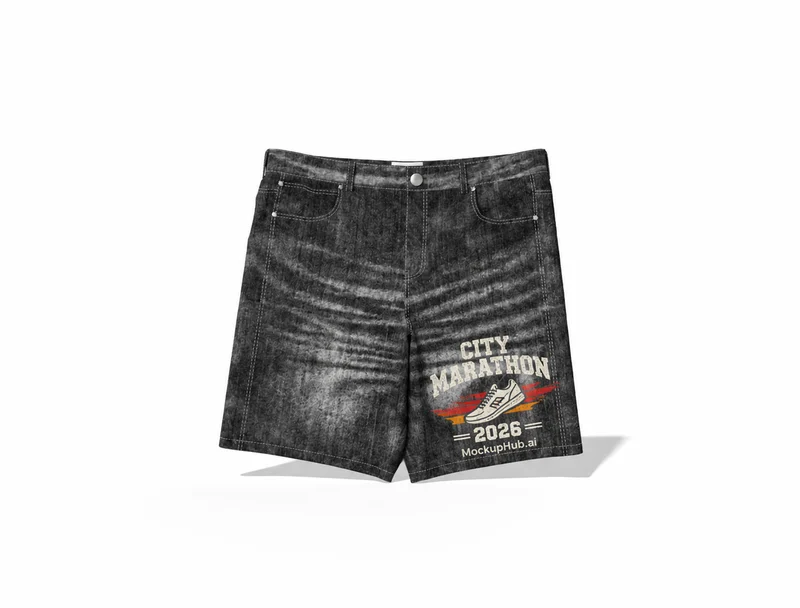
Compare pale artwork on the black-wash shorts. Keep stitching and label details visible when judging the proposed graphic’s contrast.
View templateHow to choose a shorts mockup
Find a clear panel for the print
Choose a shorts mockup by pocket layout, rise and leg opening. Find a clear panel between the waistband and hem before placing the graphic. Preserve the logo’s proportions instead of enlarging it to fill every empty area.
Rotate to inspect the side seam and nearby hardware. Compare the proposed print with the actual garment measurements, keeping enough plain fabric around the design to make its placement easy to judge.
Check contrast against denim
Compare pale artwork against the available denim washes. Inspect thin lines near stitching, pocket edges and hardware, then check the design at the size used in your store. A darker wash can change the same graphic’s contrast.
Keep the uploaded design fixed while trying available body or detail colors. Recoloring the garment leaves any background saved inside the image unchanged, so prepare transparent edges before uploading the artwork.
Show the waistband and hem
Show the waistband, pocket and leg opening together so the print position has a clear frame of reference. Use matching angles across a denim range, adding a closer image when the illustration needs detailed discussion.
Keep the product description tied to the denim construction shown. Confirm decoration clearance near seams and metal fasteners with the supplier, then inspect a physical sample for printed color and texture.
Export formats and image dimensions
Use 2K (2048-pixel long edge) for denim-shorts listings, 4K (4096) for larger presentations and 8K (8192) for detailed crops. The other dimension follows your aspect ratio. Start with a sharp upload.
Choose PNG for transparency or crisp edges; JPG for smaller opaque images. Check small text again after resizing or cropping. Check web pixel requirements or the printer’s PPI for printed presentations. Your shorts mockup is a presentation image. Supply original print artwork and garment placement measurements separately.
Common uses for this collection
Compare a pale graphic on black-wash denim.
Review a small club logo near a shorts leg opening.
Check artwork clearance around a pocket edge.
Present a denim capsule range with matching camera angles.
Discuss print placement beside visible waistband stitching.
Frequently asked questions
Which shorts mockup fits my project?
Match the pocket layout, rise and leg opening to the shorts you are presenting. For denim designs, compare the wash and visible stitching before choosing the graphic’s size and position.
What can I edit in a shorts mockup?
Upload your design to the template’s artwork area. Check its available waistband, body and stitching color controls and material presets before editing; a product-color change is separate from the graphic saved in your image.
How do I compare washes in a denim shorts mockup?
Keep the illustration and camera angle fixed while comparing the dark-blue and black-wash styles. Check pale lettering beside the seams at the final product-card size.
Where should a small graphic sit in a jean shorts mockup?
Find an uninterrupted panel between the pocket, waistband and hem. Keep important details clear of hardware, then use a full garment view to explain the placement.
How do I inspect side placement in a 3D shorts mockup?
Turn from the front toward the side while following the graphic’s outer edge. Move essential wording onto the readable panel if it disappears around a seam.
Where should a small logo sit beside a pocket?
Find an uninterrupted panel and compare the logo with the pocket edge, hardware and hem. Confirm the actual clearance with the decorator, then show a full garment view so the proposed position is easy to understand.
Preview shorts mockups with your own artwork and compare the result from a readable angle. Choose a matching template to start your design.