

Templates you can work with
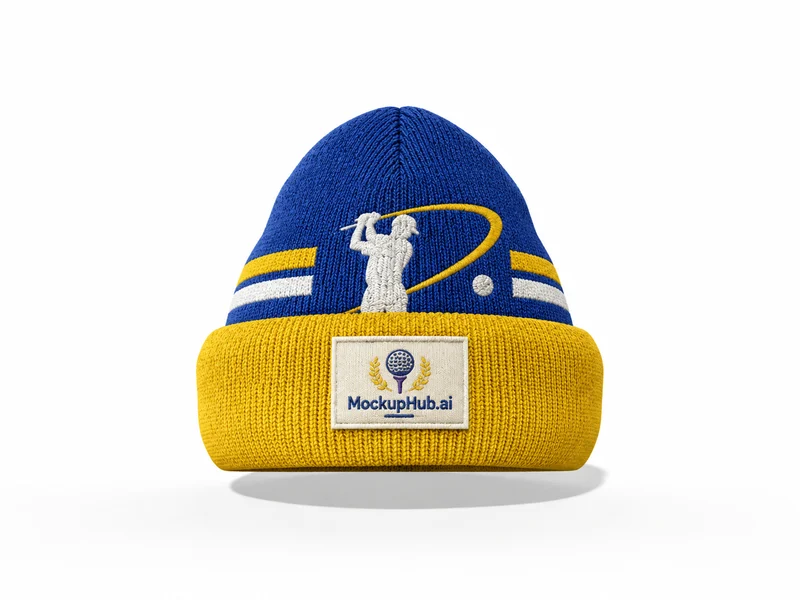
Knitted Beanie Hat
Compare a logo against knitted-cotton and double-knitted appearances. Keep the label and stitching visible when reviewing the main graphic.
View templateWinter Hat
Place winter branding on the knitted hat surface. Adjust the exposed body and label colors to check contrast around the artwork.
View templateHow to choose a hat mockup
Check the beanie and lower band
Choose a hat mockup with the beanie crown, lower band and label your project needs. Inspect the space around the proposed mark before choosing its width. Keep the complete outline visible so the design’s scale is clear.
Rotate to check the curved band without stretching the graphic. Compare the placement with the maker’s decoration area, using a different construction when the actual product is a cap rather than a beanie.
Keep fine details readable on knit
Inspect narrow strokes beside the knit texture before adding detailed artwork. Check the mark at the final merchandise-card size as well as close up. A design that looks clear on a flat source image can lose contrast against the fabric.
Use transparent margins where the knit should show. Compare the available label or body colors separately, keeping the uploaded graphic fixed so each change is easy to assess.
Plan the label or decoration
Show the complete beanie beside a close view of the mark. Keep its position on the lower band clear, with enough surrounding knit to judge the scale. Use matching angles when presenting alternate merchandise colors.
Confirm whether the maker will print, embroider or attach a label before preparing production artwork. Ask for the relevant size and detail limits, then inspect a sample for the actual texture and lettering.
Export formats and image dimensions
Use 2K (2048-pixel long edge) for beanie listings, 4K (4096) for larger presentations and 8K (8192) for detailed crops. The other dimension follows your aspect ratio. Start with a sharp upload.
Choose PNG for transparency or crisp edges; JPG for smaller opaque images. Check small text again after resizing or cropping. Check web pixel requirements or the printer’s PPI for printed presentations. Your hat mockup is a presentation image. Supply original decoration artwork and product-specific print dimensions separately.
Common uses for this collection
Review a compact brand mark on a winter beanie.
Compare a contrasting label against a dark knitted body.
Check small lettering near the hat’s lower band.
Prepare seasonal merchandise images for a music label.
Show a supplier the proposed front identity placement.
Frequently asked questions
Which hat mockup fits my project?
Match the crown, lower band and label placement to your actual product. The knitted beanie examples help you check how a small mark reads beside the fabric texture and curved band.
What can I edit in a hat mockup?
Upload your design to the template’s artwork area. Check its available stitching and body color controls and material presets before editing; a product-color change is separate from the graphic saved in your image.
Where should a logo sit in a beanie mockup?
Inspect the lower band and any separate label before choosing the mark’s width. Keep the whole hat visible so the logo is judged against the crown rather than as an isolated crop.
How do I keep lettering clear in a knitted hat mockup?
Test simple lettering against the knit at the final merchandise-image size. Keep enough contrast and surrounding space before adding fine lines or a longer name.
How do I compare label and body colors in a headwear mockup?
Hold the artwork steady while changing the controls offered by the selected hat. Check a full view and a label detail so both the color relationship and small text are clear.
Can I use the image to order embroidery?
Use the image to agree where the mark should sit and how it contrasts with the knit. Send the original design and supplier-specific dimensions to the embroiderer; a smooth upload does not define thread density or stitch direction.
Preview hat mockups with your own artwork and compare the result from a readable angle. Choose a matching template to start your design.