3D Mockup
Tea Tin Can Mockup for Packaging Artwork
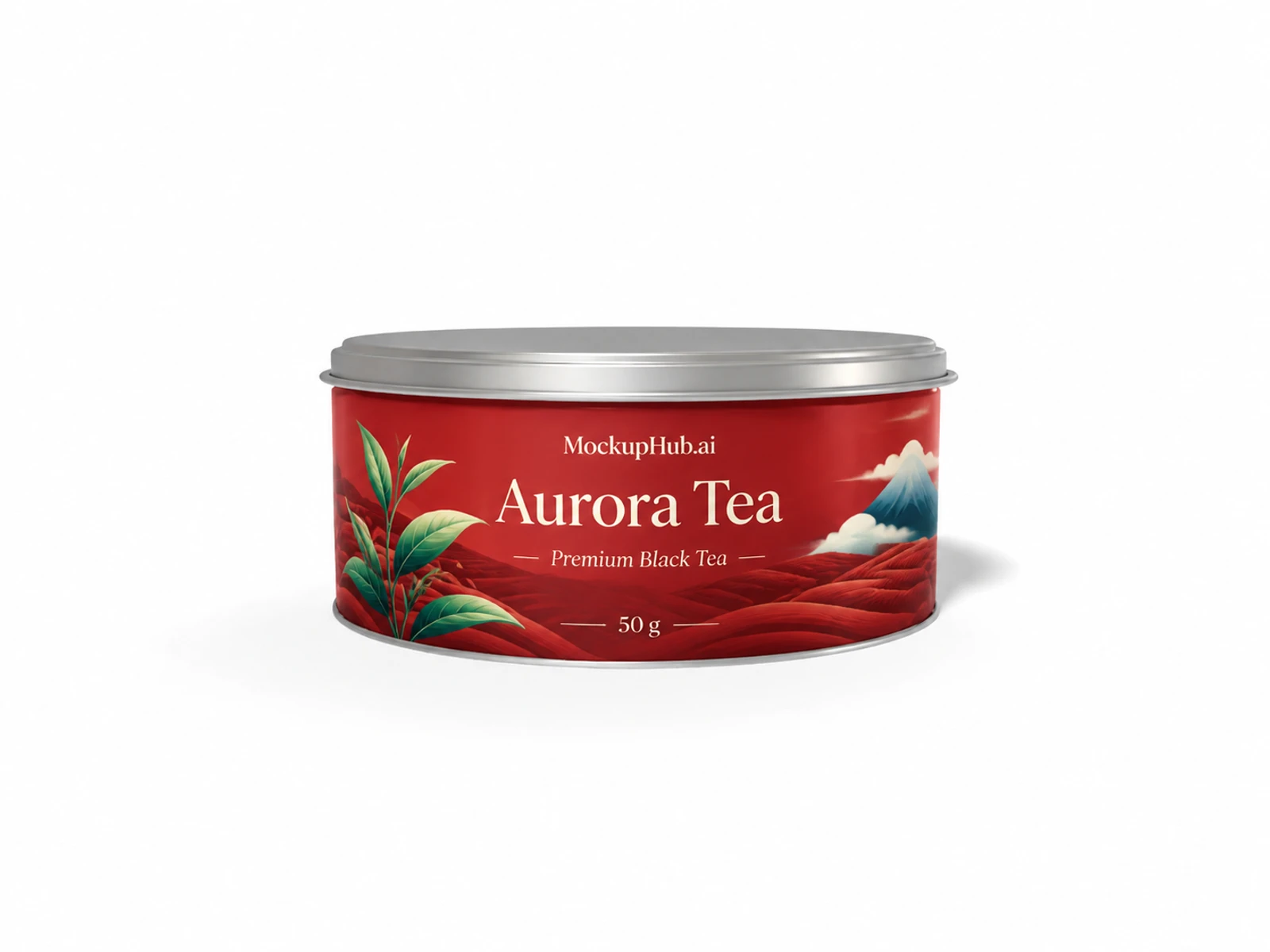
Reference preview
Reference cover; your result depends on your artwork and editor settings.
Present tea packaging artwork on this tin can mockup, with the wraparound surface and lid shown together for reviewing label continuity, hierarchy, and color.
- 1 design area
- 2 finishes
- Recolor parts
- JPG / PNG
Template details
Artwork
Artwork
- Design canvas
- 2,018 × 231 px
- Artwork size
- 534 × 61 mm
Customization
- Material presets
- Metal matte, Metal glossy
- Recolorable parts
- Lid, Body
Export
- Image export
- JPG / PNG
- Image resolution
- 2K2,048 px long edge
- 4K4,096 px long edge
- 8K8,192 px long edge
- Artwork PDF
- With dimensions
Usage notes
For visual previews. Before production, confirm dimensions, colors and print requirements with your manufacturer.
Design guide
Lay out the tea label
Prepare a 2018 × 231 px image for the Artwork surface. This long, narrow canvas holds the wraparound design, so arrange the tea name, blend details and ingredient text across it before uploading.
The corresponding flat artwork sheet measures 534 × 61 mm. These are artwork dimensions, not the finished tin’s dimensions. Use the pixel canvas to size your image, then check the preview to see where the text appears around the body. Adjust the layout if important wording is difficult to see from your chosen view.
For a flat layout review, export the Artwork PDF with dimensions. This fixed-size template provides an artwork layout, not a manufacturing cutting dieline.
Compare the label with the lid
Choose Metal matte or Metal glossy to see how each visual material preset looks with your label. Use the recolor controls to adjust the Lid and Body colors, then review them together with the uploaded design. These presets show appearance rather than specify a physical production finish.
Export the rendered tin as JPG or PNG. The 2K, 4K and 8K options produce images with long edges of 2048, 4096 and 8192 px, respectively.
Use cases
- Tea shop product listing: Create a JPG product image of an Earl Grey tin showing the tea label and chosen lid color.
- Seasonal finish comparison: Build a buyer presentation with matching tin previews comparing the two metal finish presets on one seasonal tea label.
- Chamomile label layout review: Export an Artwork PDF with dimensions so a packaging designer can review the chamomile label’s text placement.
Browse other published templates using the same material preset.
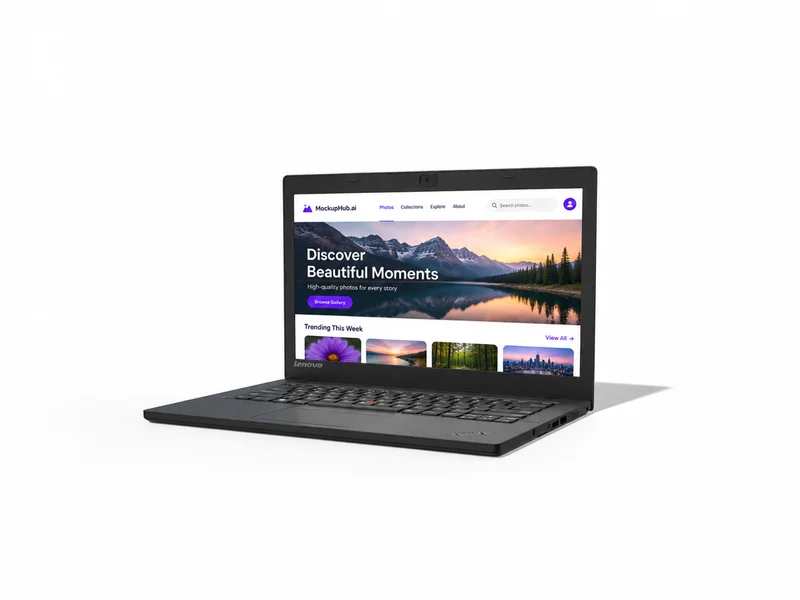 3D mockup, view in 360°
laptop
14-Inch Lenovo ThinkPad X1 Carbon Gen 10 Laptop Mockup
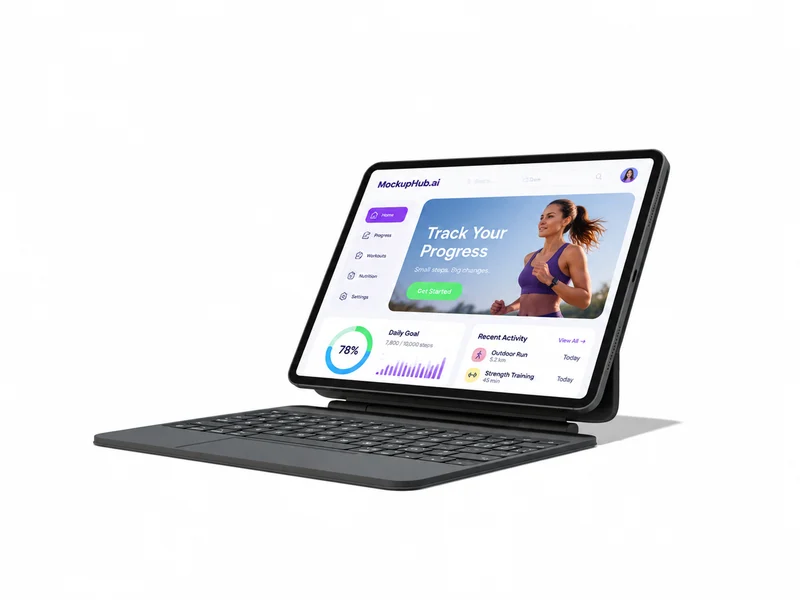 3D mockup, view in 360°
mobile
13-Inch iPad Pro with Keyboard Mockup
 3D mockup, view in 360°
mobile
iPhone 17 Pro Max Mockup for Screen Artwork
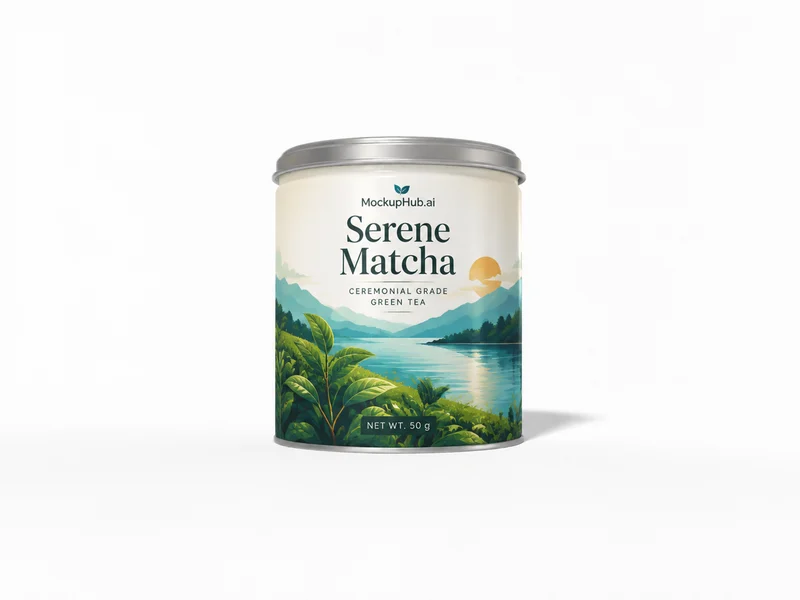 3D mockup, view in 360°
food
Round Tea Can Mockup
 3D mockup, view in 360°
can
330 ml Soda Aluminum Can Mockup
 3D mockup, view in 360°
pouch
23 x 120 mm Shaped Sugar Sachet Mockup
From artwork to mockup
Upload design
Choose a design area and place your artwork.
Customize
Use the available controls to style your scene.
Export
Choose your image format and resolution.
