3D Mockup
iPhone 17 Pro Max Mockup for Screen Artwork
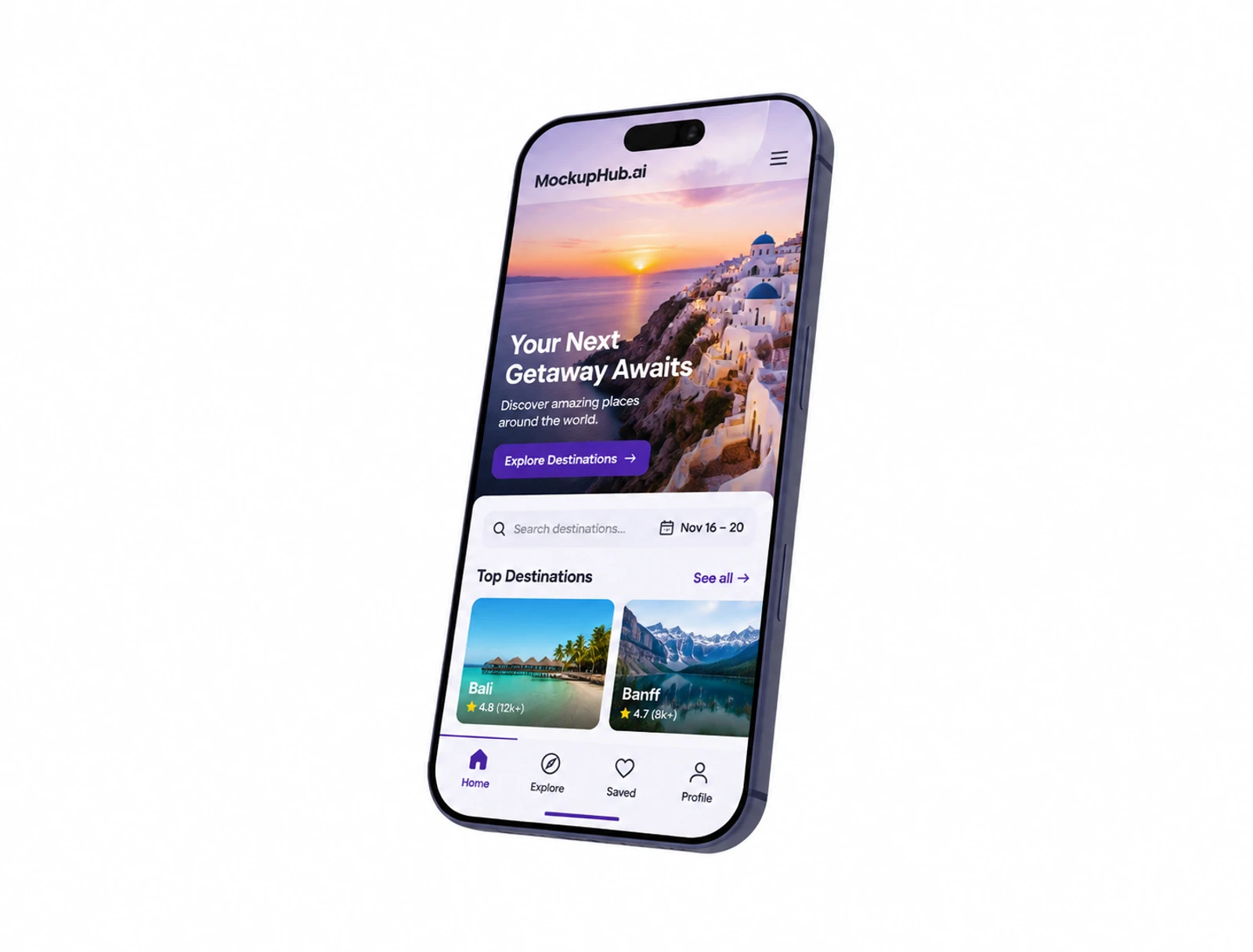
Reference preview
Reference cover; your result depends on your artwork and editor settings.
Use the iPhone 17 Pro Max 3D mockup to present screen and app artwork in a phone context.
- 1 design area
- JPG / PNG
Template details
Its selectable glossy-metal render supports visual review of the mobile interface.
Artwork
Artwork
- Design canvas
- 283 × 605 px
- Artwork size
- 75 × 160 mm
Export
- Image export
- JPG / PNG
- Image resolution
- 2K2,048 px long edge
- 4K4,096 px long edge
- 8K8,192 px long edge
- Artwork PDF
- With dimensions
Usage notes
For visual previews. Before production, confirm dimensions, colors and print requirements with your manufacturer.
Design guide
Use this fixed-size phone mockup to present an app page or mobile website screenshot. The supplied finish is fixed, with no selectable material presets or part recoloring.
Fit your screenshot to the phone
Upload your image to the single Artwork surface, which has a 283 × 605 pixel canvas. Prepare an image with those proportions. If your screenshot has a different shape, arrange the content on a matching canvas before uploading so the image does not need to be stretched.
Check the preview to see where the artwork appears on the phone. Make sure the text and controls you want to show remain visible, then adjust the source image if needed.
The 75 × 160 mm sheet describes the artwork layout, not the phone’s overall size. The model cannot be resized.
Create an image for your presentation
Export the rendered phone as JPG or PNG. The 2K, 4K and 8K options produce images with long edges of 2,048, 4,096 and 8,192 pixels, respectively. Choose a size suited to the slide, page or document where you will place it.
You can also export an Artwork PDF of the fixed artwork layout. This is separate from the rendered phone image and is not a manufacturing cutting dieline.
Use cases
- Reservation app presentation: Create a rendered phone image of a booking confirmation screen for a client presentation about a reservation app.
- Mobile shop launch brief: Prepare a JPG showing a mobile shop’s product page on the phone for an internal website launch brief.
- Account setup comparison: Produce two PNG previews showing current and proposed account setup screens for a side-by-side interface comparison document.
From artwork to mockup
Upload design
Choose a design area and place your artwork.
Customize
Adjust the view and background.
Export
Choose your image format and resolution.