3D Mockup
Flag Banner Mockup for Campaign Artwork and Brand Design
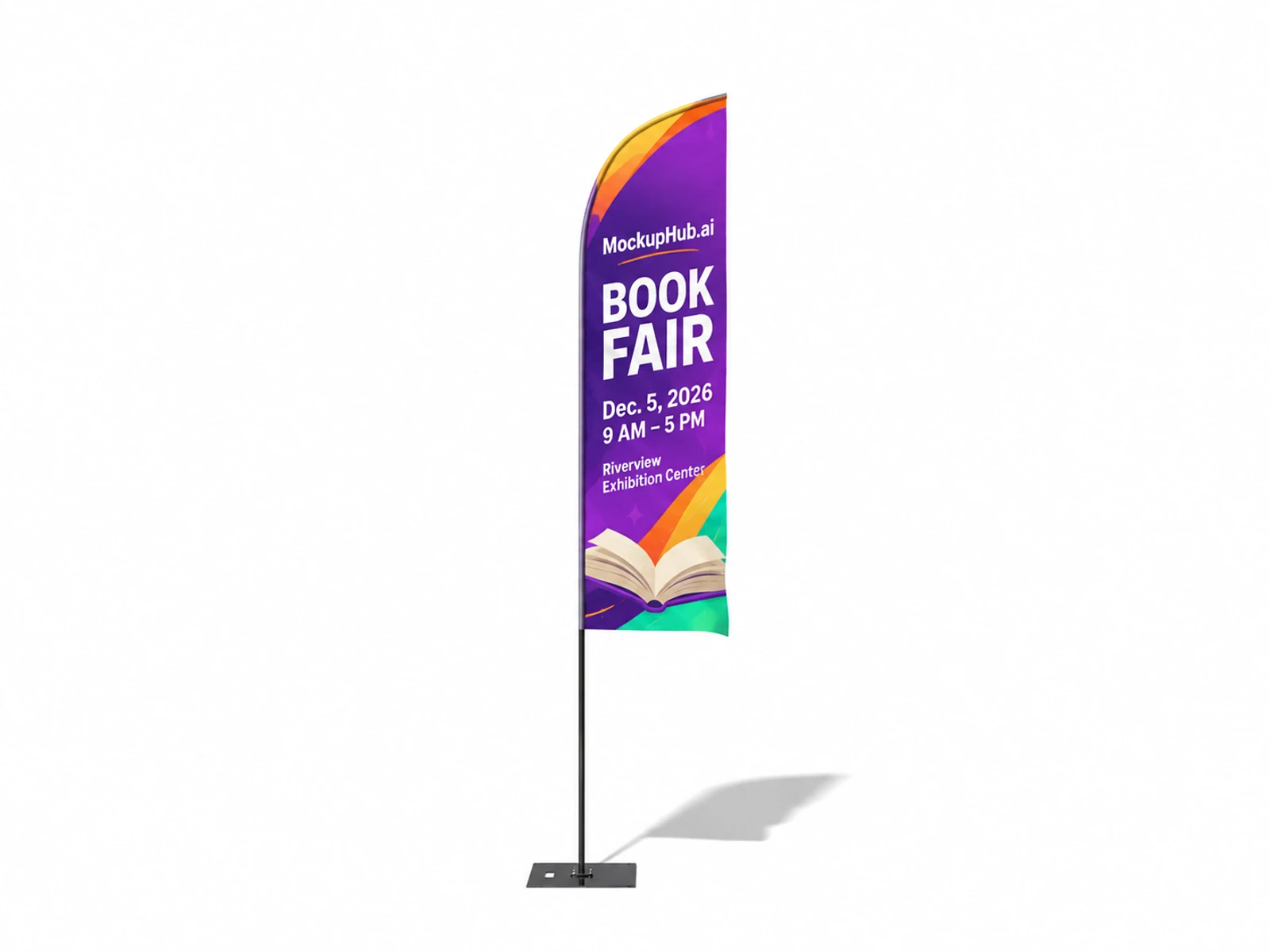
Reference preview
Reference cover; your result depends on your artwork and editor settings.
Present campaign graphics on a flag banner mockup.
- 1 design area
- 1 finish
- Recolor parts
- JPG / PNG
Template details
Review message hierarchy, contrast, and logo placement across the banner as a visual design concept.
Artwork
Artwork
- Design canvas
- 379 × 1,239 px
- Artwork size
- 100.231 × 327.73 mm
- Suggested upload
- 379 × 1,239 px
Customization
- Material presets
- Plastic glossy
- Recolorable parts
- Pole, Body, Screws, Support feet, Stitching
Export
- Image export
- JPG / PNG
- Image resolution
- 2K2,048 px long edge
- 4K4,096 px long edge
- 8K8,192 px long edge
- Artwork PDF
- With dimensions
Usage notes
Suggested uploads use the editor’s 96 DPI placement rule, sometimes for a main face rather than the full canvas. They are not print-resolution requirements.
For visual previews. Before production, confirm dimensions, colors and print requirements with your manufacturer.
Design guide
For an event name, date, and logo, try a vertical stack on this narrow flag. The banner size is fixed, so build your graphic around the supplied proportions.
Build the message down the flag
Prepare an image at 379 × 1239 pixels for the Artwork surface. Break a long headline into shorter lines so it fits the narrow canvas, and place the date or location beneath it.
The artwork sheet measures 100.23 × 327.73 mm. This is the artwork layout size, not the assembled flag’s overall size. After uploading, check the preview for cropped text or logos and adjust your source image if needed.
Check the flag and stand together
You can recolor the pole, body, screws, support feet, and stitching. Review these colors alongside your uploaded graphic, especially where the stand or stitching meets the design.
Plastic glossy is the supplied visual material preset. Use the preview to assess its appearance with your artwork; the preset does not specify a physical production material.
Export the mockup as JPG or PNG at 2K, 4K, or 8K, with long edges of 2048, 4096, or 8192 pixels respectively. The fixed template also provides an Artwork PDF of the layout.
Use cases
- Festival signage proposal: Create a festival entrance banner preview with the event name, date, and entry instructions for the signage proposal.
- Shop opening announcement: Export a JPG of the shop opening banner for an announcement showing the opening date and store logo.
- Event artwork record: Save an Artwork PDF of a charity registration banner to document the approved event name and check-in message.
Browse other published templates using the same material preset.
 3D mockup, view in 360°
banner
Hanging Banner Glossy Mockup for Clear Signage Concepts
 3D mockup, view in 360°
cosmetic
400 ml White Trigger Spray Bottle Mockup
 3D mockup, view in 360°
phone-case
iPhone 16 Pro Case Mockup for Cover Artwork, 150 x 71 x 8 mm
 3D mockup, view in 360°
pouch
Food Sachet Packaging Mockup
 3D mockup, view in 360°
pouch
23 x 120 mm Shaped Sugar Sachet Mockup
 3D mockup, view in 360°
bag
130 x 15 x 150 mm Paper Mailer Bag Mockup
From artwork to mockup
Upload design
Choose a design area and place your artwork.
Customize
Use the available controls to style your scene.
Export
Choose your image format and resolution.