
Review interface at small scale
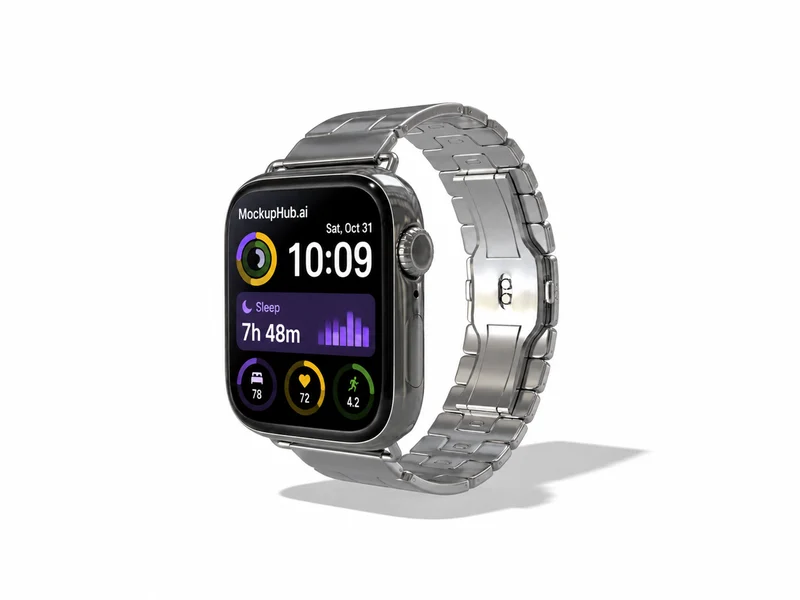
Check that icons, time and key text remain legible in the final crop. A mockup presents artwork and does not test the interface on a physical wearable.
Place a wearable screen design in a device frame and inspect its scale at a glance. Choose a template with a display proportion close to the intended device.
Category introduction
Use Wearable mockups to compare artwork on the product form before sharing a design. Select a template whose view and editable area suit your intended presentation; controls and export options vary by item.
Template features
Explore the available template views and practical checks for this product category.
Check that icons, time and key text remain legible in the final crop. A mockup presents artwork and does not test the interface on a physical wearable.
Common questions
Helpful details about choosing a template, reviewing a design and using exported mockup images.
No. They show a supplied screen design in a device frame. Test the real interface on supported hardware separately.
Match the template to the product shape and the view you need to present. Check its card and editor for available views, editable areas and export options before starting.
Start with a clear image that fits the template's visible artwork area. Keep important details inside the crop, then review scale and legibility in the editor preview.
No. A mockup helps review appearance. Confirm dimensions, materials, print areas, compatibility and production requirements with the relevant supplier or product specifications.
No. A mockup presents a supplied screen in a device frame. Test the live interface on supported hardware and verify device dimensions separately.