Choose a garment view that answers the brief
Use a front or back view to review placement, a flat lay for a clean catalog image, or a model view to show fit in context. The available views depend on the selected template.
Preview clothing graphics on realistic garments before publishing a product listing or presenting a design. Browse t-shirt, hoodie, sportswear and other apparel mockups, then compare how artwork reads across garment colors and views.
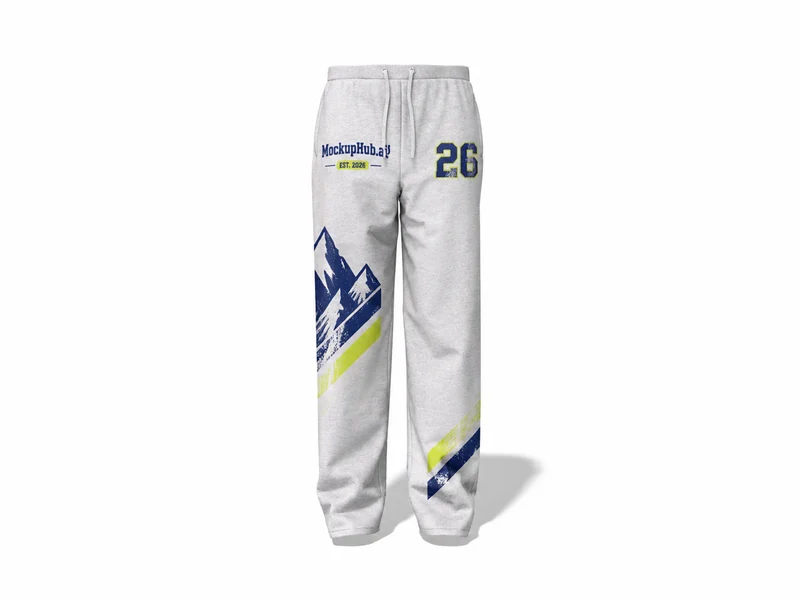 3D mockup, view in 360°
Pants
Sweatpants Mockup for Apparel Design Review
 3D mockup, view in 360°
Hoodie
Oversized Hoodie Mockup for Everyday Apparel Graphics
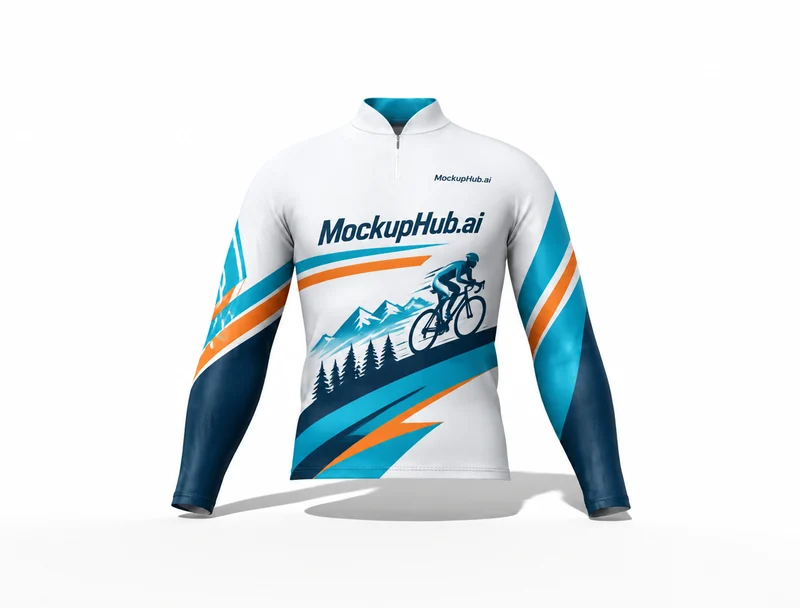 3D mockup, view in 360°
T-Shirt
Long Sleeve Shirt Mockup for Apparel Artwork Review
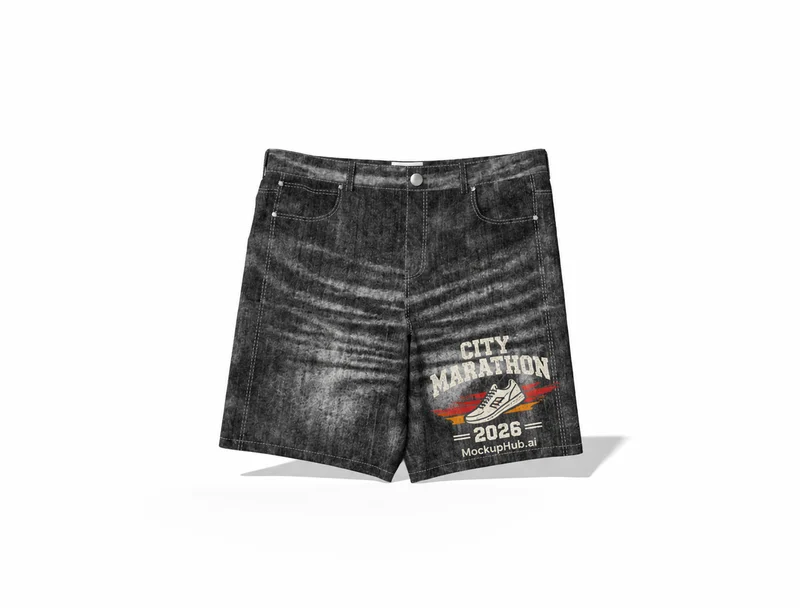 3D mockup, view in 360°
Shorts
Jean Shorts Mockup in Black Wash, 580 x 530 mm
 3D mockup, view in 360°
T-Shirt
T-Shirt Mockup for Apparel Graphics
 3D mockup, view in 360°
Sportswear
Socks Mockup for Vertical Apparel Presentation
 3D mockup, view in 360°
Shorts
Dark-Blue Denim Shorts Mockup, L 580 mm x H 530 mm
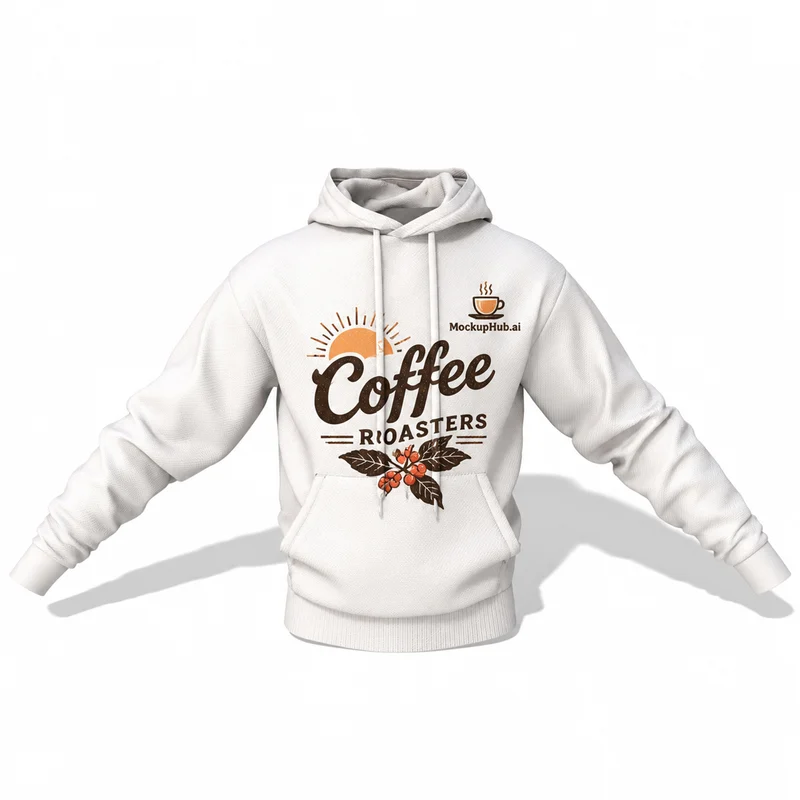 3D mockup, view in 360°
Hoodie
Boxy Hoodie Apparel Artwork and Branding Design Mockup
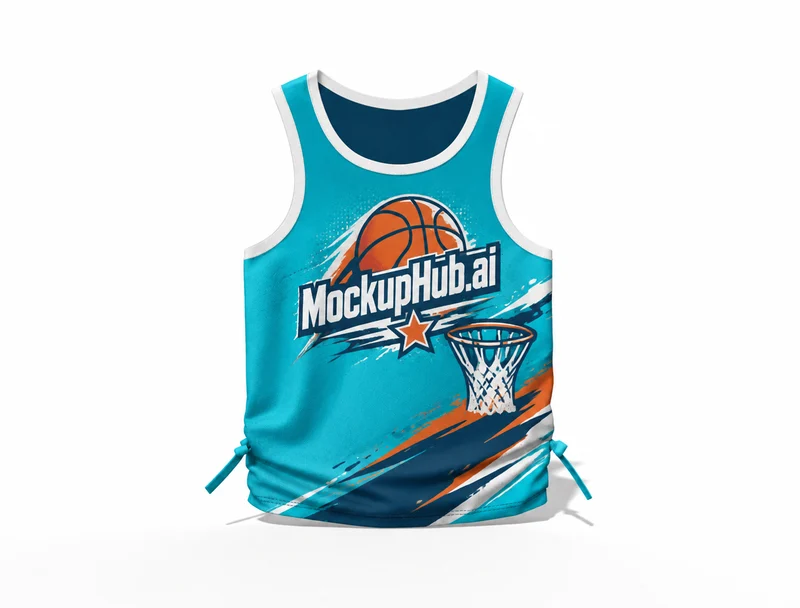 3D mockup, view in 360°
Tank Top
Baby Tank Top Mockup, 350 mm L x 500 mm H
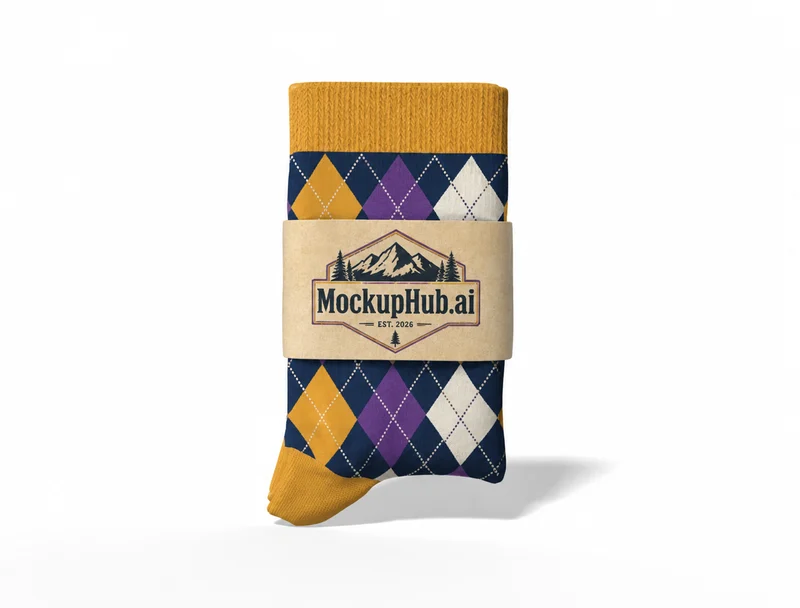 3D mockup, view in 360°
Sportswear
Argyle Socks Mockup for Patterned Apparel Collections
Category introduction
Apparel mockups put garment graphics into a product context before a listing or design review. Compare the available front, back, flat-lay or model views, then check artwork placement against the garment's folds and seams.
Template features
Explore the available template views and practical checks for this product category.
Use a front or back view to review placement, a flat lay for a clean catalog image, or a model view to show fit in context. The available views depend on the selected template.
Upload your artwork, position it on the garment and preview the result against the fabric folds and lighting in the template. For a consistent collection, reuse a template and color treatment across related products.
Common questions
Helpful details about choosing a template, reviewing a design and using exported mockup images.
You can preview t-shirts, hoodies and other clothing designs for product listings, portfolios and client presentations. The garment types and views vary by template.
Color controls depend on the template. Where available, use them to compare a design on different garment colors before exporting.
Match the template to the product shape and the view you need to present. Check its card and editor for available views, editable areas and export options before starting.
Start with a clear image that fits the template's visible artwork area. Keep important details inside the crop, then review scale and legibility in the editor preview.
No. A mockup helps review appearance. Confirm dimensions, materials, print areas, compatibility and production requirements with the relevant supplier or product specifications.