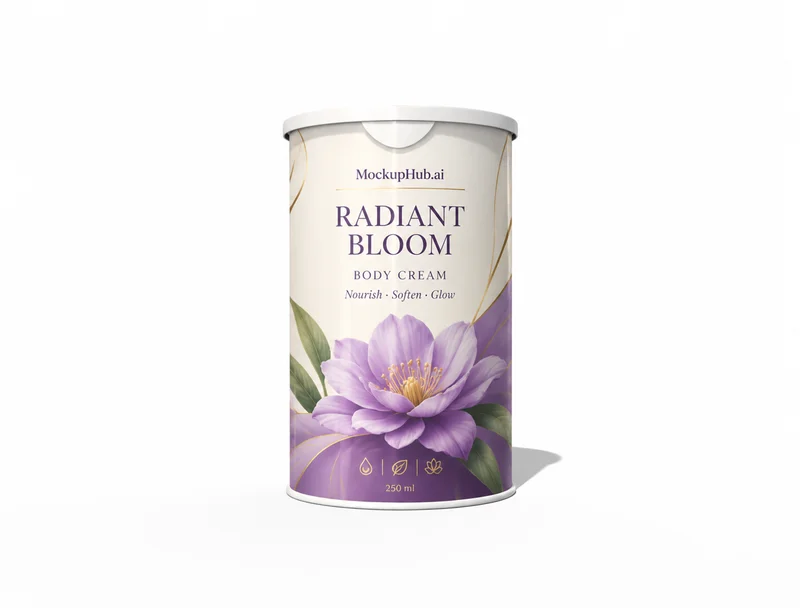
Packaging Mockups for Boxes, Bottles & Product Labels

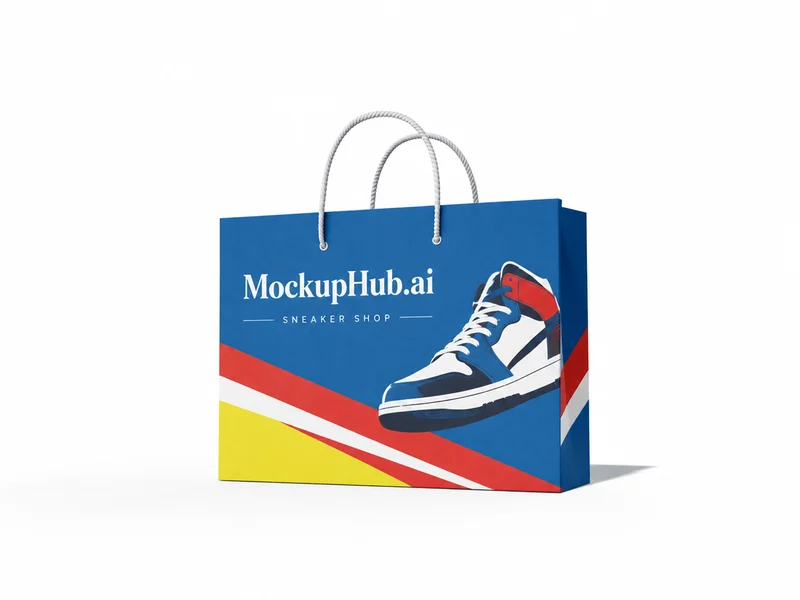
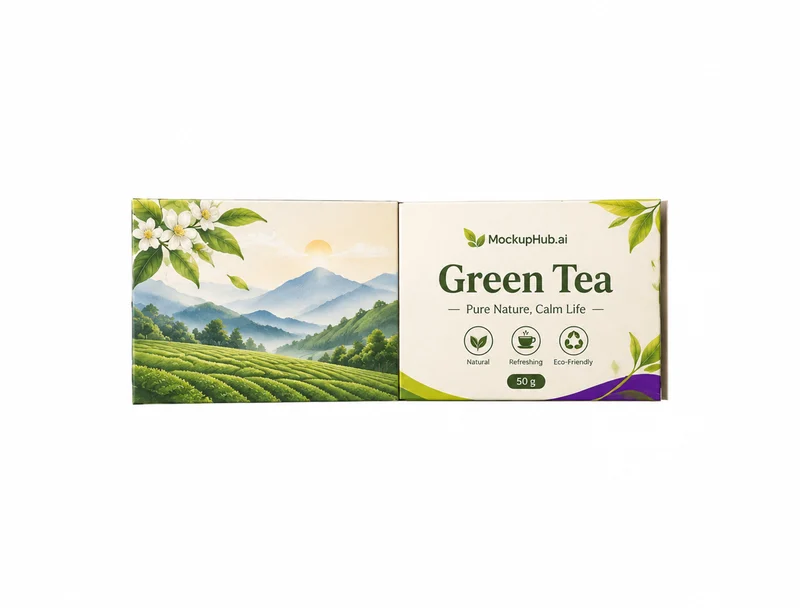
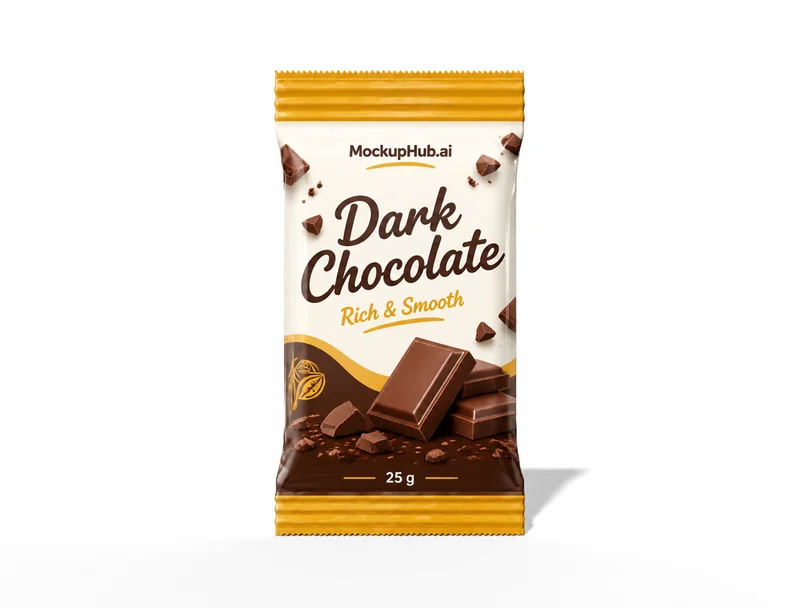
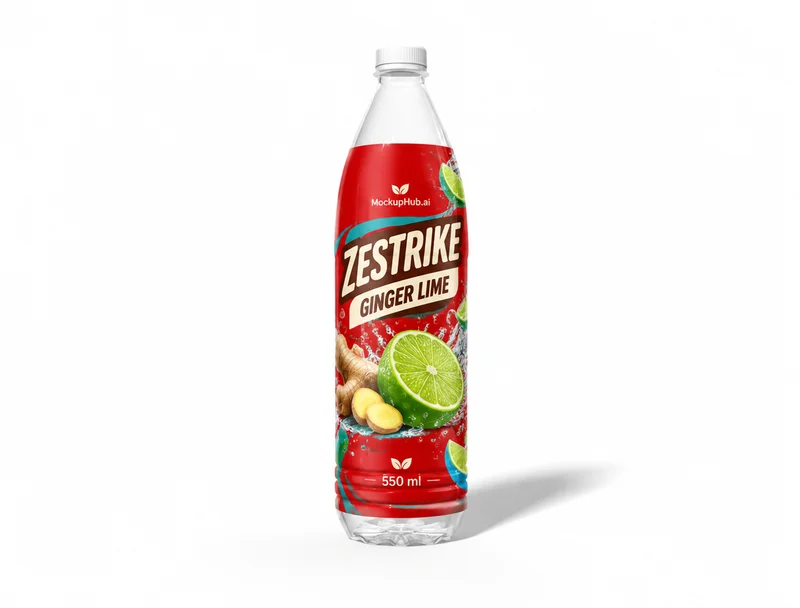
Review packaging artwork on the shape it is designed for. This collection brings together box, bottle, can, jar and pouch mockups so you can inspect label hierarchy, visible panels and product presentation before a review or listing.

Category introduction

About Packaging mockups

Use Packaging mockups to compare artwork on the product form before sharing a design. Select a template whose view and editable area suit your intended presentation; controls and export options vary by item.

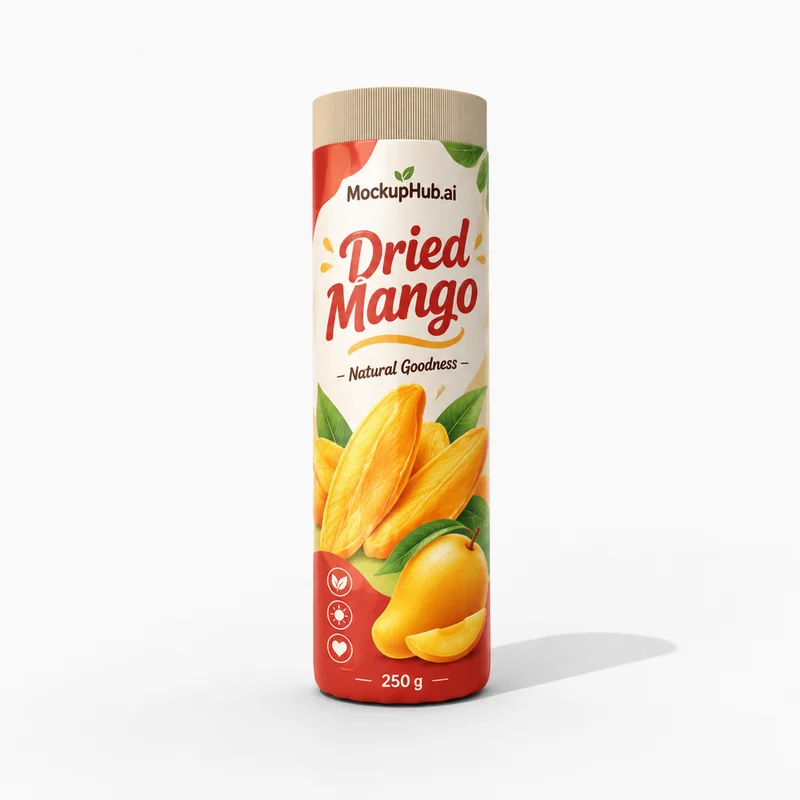
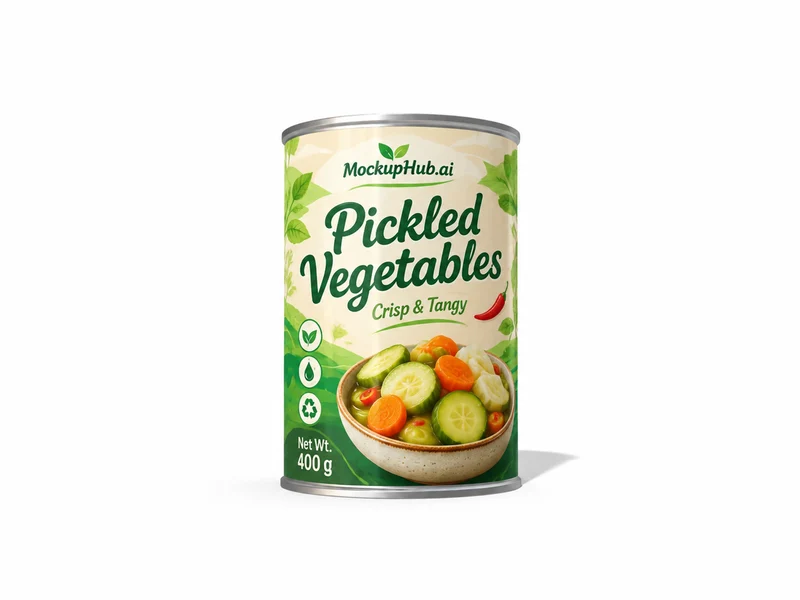
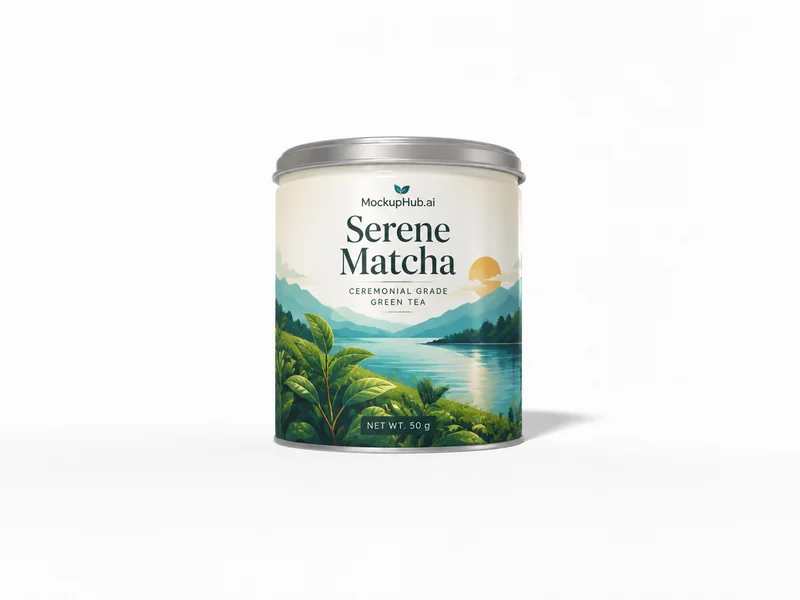
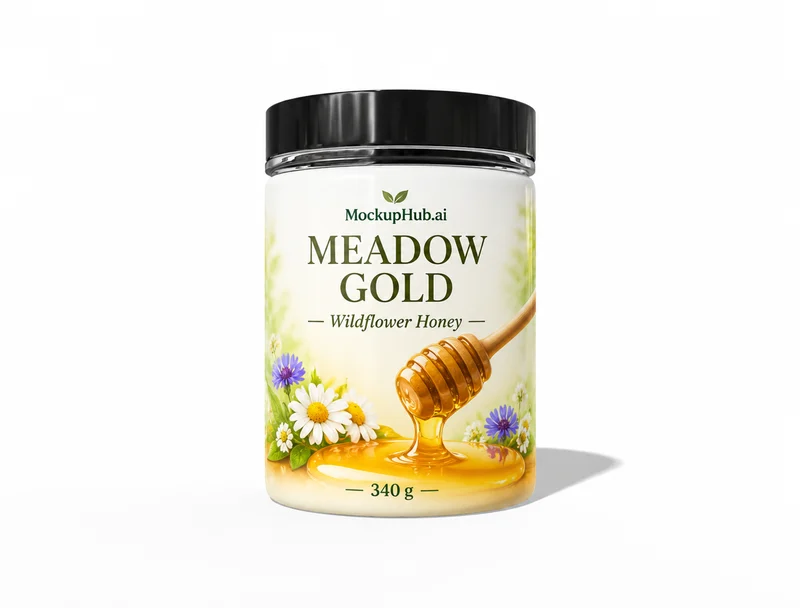
Packaging mockup template example from the catalog
Example from the published template catalog

Template features

What you can review

Explore the available template views and practical checks for this product category.

Review the package from more than one view

A front-facing image is useful for checking the primary label. When a 3D template is available, inspect adjacent panels and the folded package to understand how artwork continues around the form. A mockup is for visual review and does not replace production dieline or print checks.

Choose the template type for the task

Photo-based templates are useful for a composed product scene. 3D templates support an interactive view and, where listed in the editor, artwork placement on a dieline. Check each template's capabilities and export options before starting.

Common questions

Mockup questions, answered

Helpful details about choosing a template, reviewing a design and using exported mockup images.

Can I check packaging artwork on a dieline?

Some 3D packaging templates include a dieline view and artwork placement workflow. Availability varies by template; check its editor before relying on a specific export.

Does a packaging mockup confirm print readiness?

No. Mockups help review visual presentation. Confirm dimensions, bleed, material, color and printer requirements with the production dieline and print provider.

How do I choose the right Packaging mockup?

Match the template to the product shape and the view you need to present. Check its card and editor for available views, editable areas and export options before starting.

What artwork should I prepare for a Packaging mockup?

Start with a clear image that fits the template's visible artwork area. Keep important details inside the crop, then review scale and legibility in the editor preview.

Can a Packaging mockup confirm production fit?

No. A mockup helps review appearance. Confirm dimensions, materials, print areas, compatibility and production requirements with the relevant supplier or product specifications.