
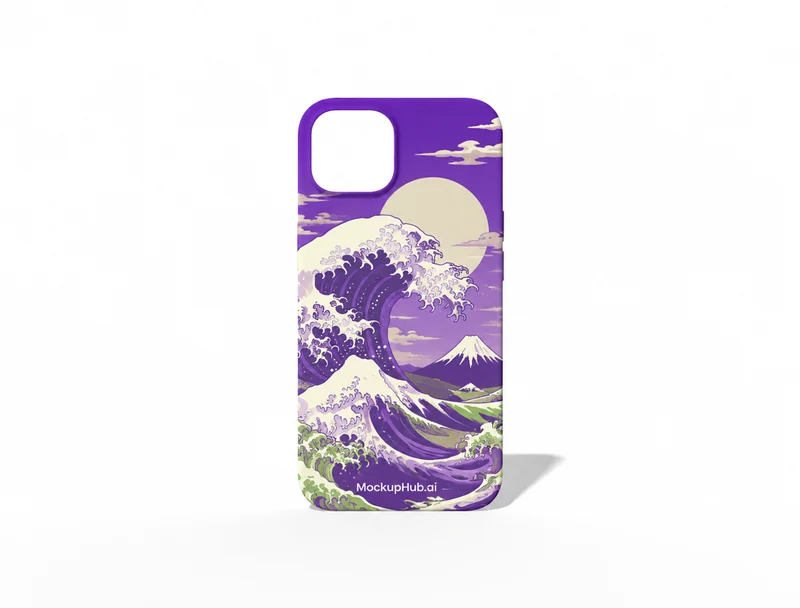
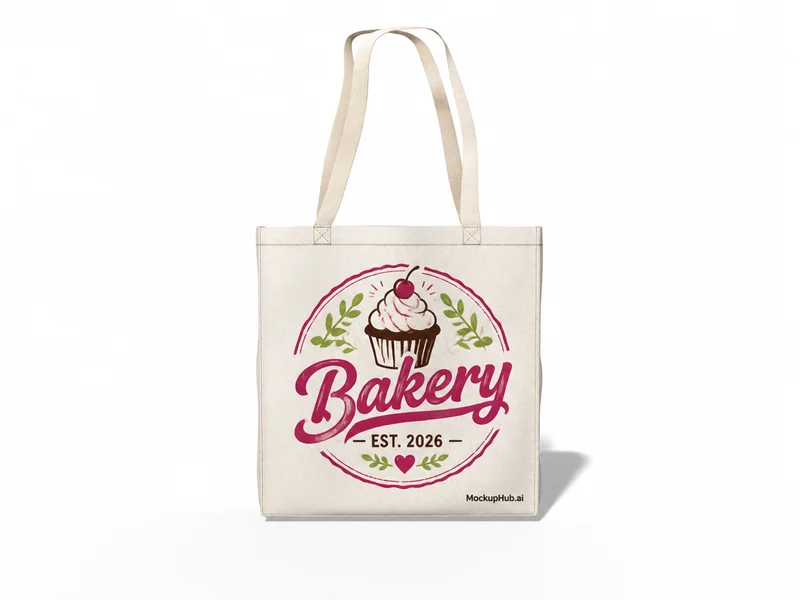
Accessory Mockups for Bags, Hats & Branded Merchandise

See how a logo, pattern or illustration works across everyday accessories before you prepare product imagery. Browse bags, hats, phone cases and other merchandise mockups, with available views depending on each template.

Category introduction

About accessory mockups

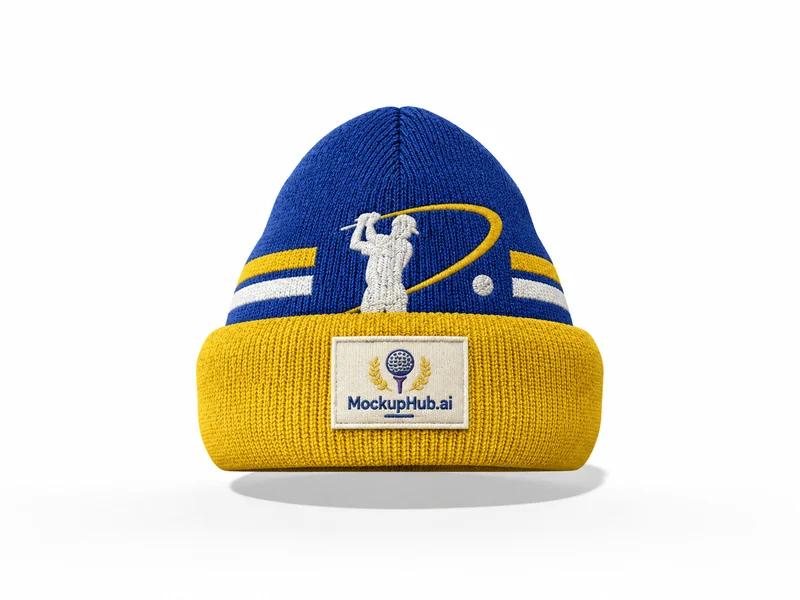
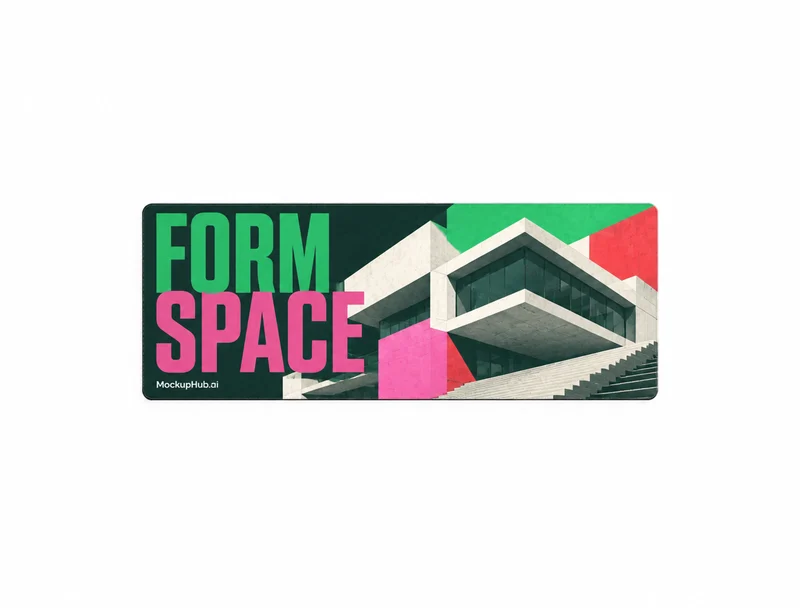
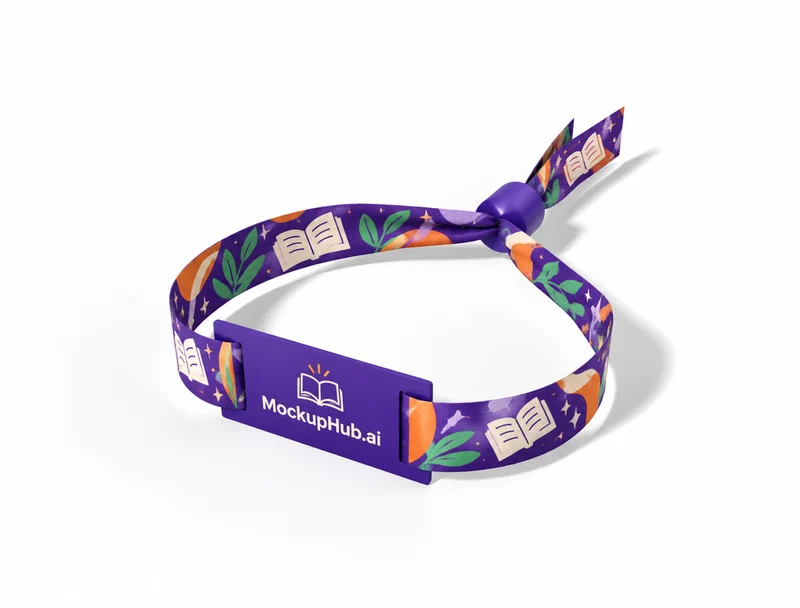
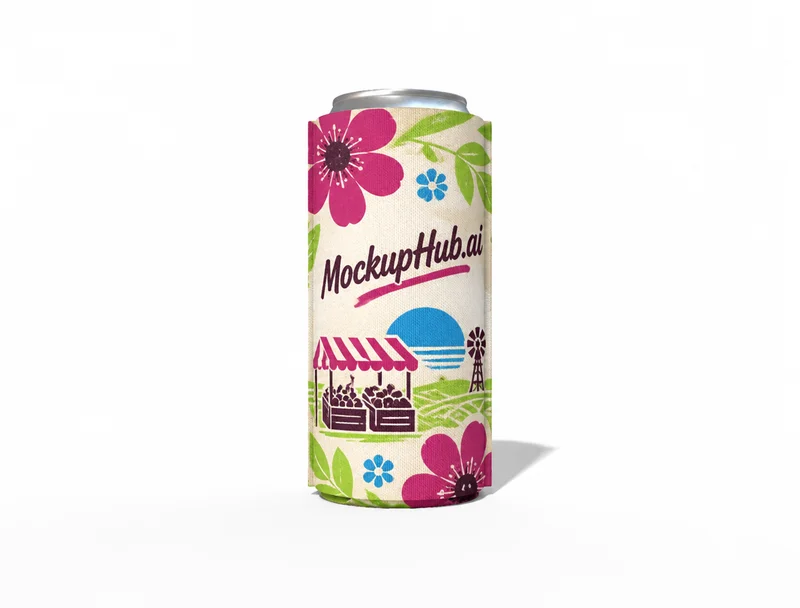
Accessory mockups help compare a visual identity across different product shapes. Review logo scale and placement on each item, and use a consistent view when presenting a coordinated merchandise range.

Accessories mockup template example from the catalog
Example from the published template catalog

Template features

What you can review

Explore the available template views and practical checks for this product category.

Plan a coordinated merchandise range

Start with the accessory that best represents the product, then use related templates to compare how the same artwork carries across a collection. Consistent placement and color choices make a product range easier to review.

Review artwork on the product surface

Add a logo or pattern and inspect its scale, position and legibility on the selected item. Use a close product view for surface details and a lifestyle view when the surrounding scene helps explain use.

Common questions

Mockup questions, answered

Helpful details about choosing a template, reviewing a design and using exported mockup images.

Which products are included in accessory mockups?

The library includes accessory categories such as bags, hats and phone cases, with other merchandise depending on the current catalog. Browse the category list to see available products.

Are all accessory templates editable in 3D?

No. Template capabilities vary. A 3D badge identifies 3D mockups; other templates use the available browser editor workflow shown on their detail page.

How do I choose the right accessory mockup?

Match the template to the product shape and the view you need to present. Check its card and editor for available views, editable areas and export options before starting.

What artwork should I prepare for accessory mockups?

Start with a clear image that fits the template's visible artwork area. Keep important details inside the crop, then review scale and legibility in the editor preview.

Can an accessory mockup confirm production fit?

No. A mockup helps review appearance. Confirm dimensions, materials, print areas, compatibility and production requirements with the relevant supplier or product specifications.