
Review garment panels and marks
Check that logos and numbers stay clear of seams and stretch zones. Confirm garment construction, fabric and decoration methods with the supplier.
Present activewear graphics on a garment view suited to the design. Review the placement around seams and panels, and compare available styles before sharing a collection concept.
Category introduction
Use Sportswear mockups to compare artwork on the product form before sharing a design. Select a template whose view and editable area suit your intended presentation; controls and export options vary by item.
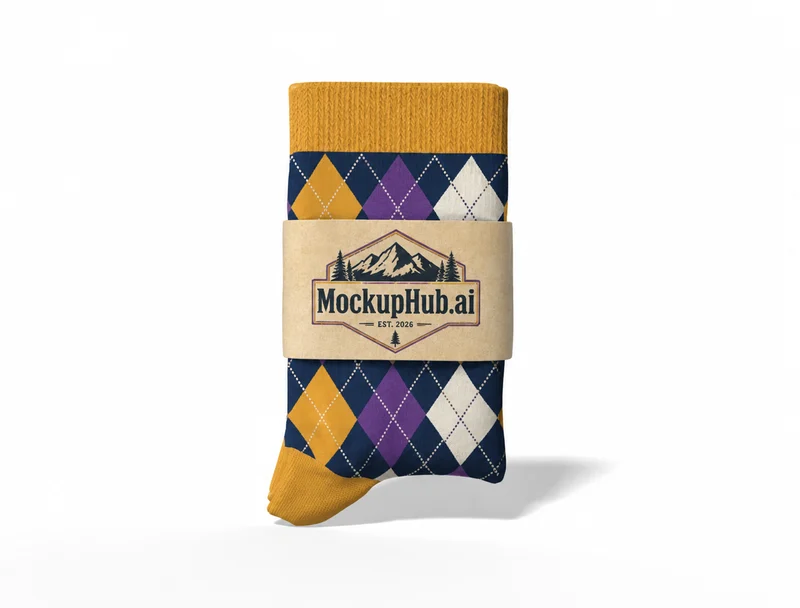
Template features
Explore the available template views and practical checks for this product category.
Check that logos and numbers stay clear of seams and stretch zones. Confirm garment construction, fabric and decoration methods with the supplier.
Common questions
Helpful details about choosing a template, reviewing a design and using exported mockup images.
No. They are visual previews and do not represent stretch, moisture management or technical fabric performance. Confirm those properties with the manufacturer.
Match the template to the product shape and the view you need to present. Check its card and editor for available views, editable areas and export options before starting.
Start with a clear image that fits the template's visible artwork area. Keep important details inside the crop, then review scale and legibility in the editor preview.
No. A mockup helps review appearance. Confirm dimensions, materials, print areas, compatibility and production requirements with the relevant supplier or product specifications.
No. Use the preview to review appearance, then verify product dimensions, materials, print areas and supplier requirements before production.