3D Mockup
Open Brochure Mockup for Panel and Artwork Reviews
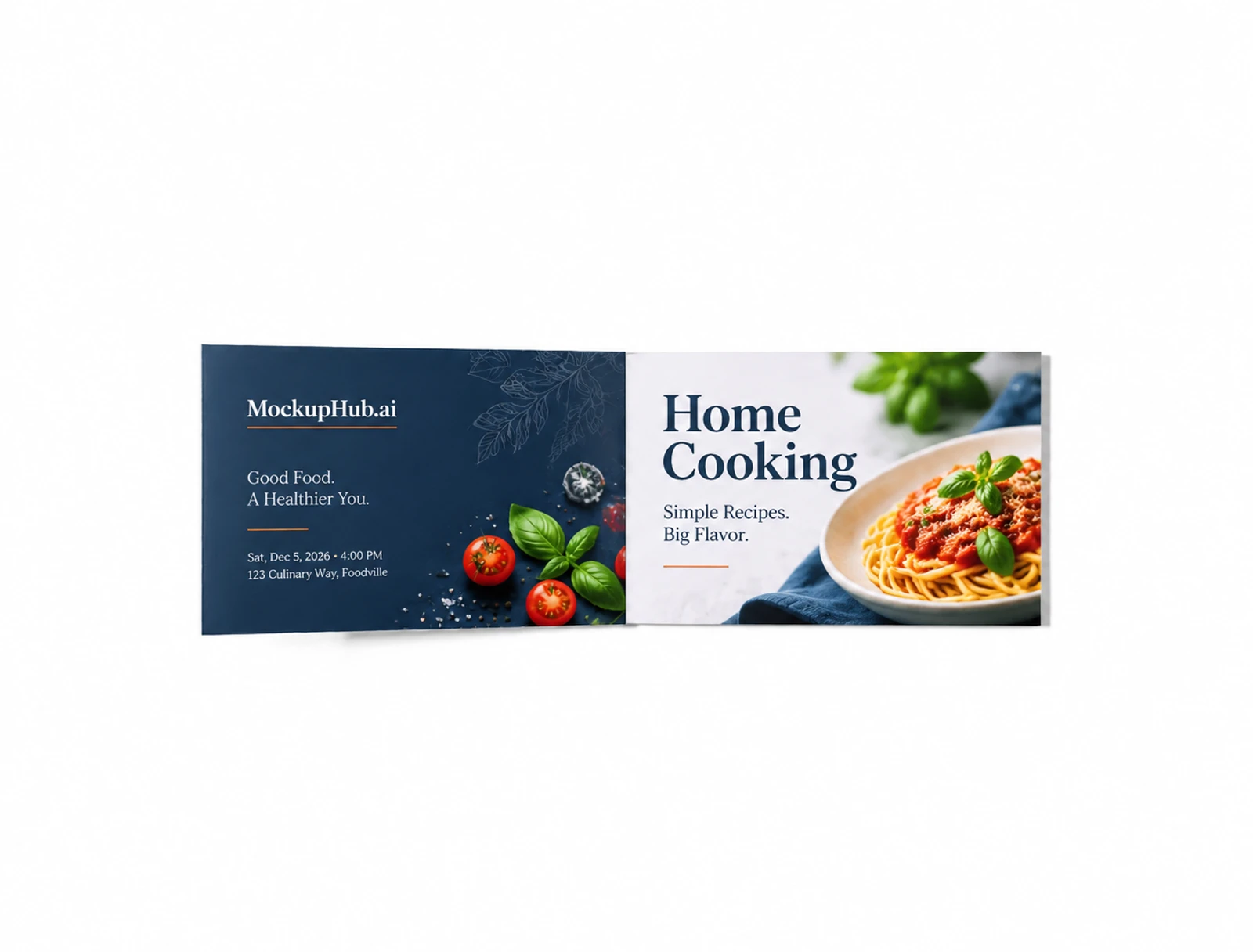
Reference preview
Reference cover; your result depends on your artwork and editor settings.
Show an open brochure mockup with its panels visible for design review.
- 1 design area
- 1 finish
- Recolor parts
- JPG / PNG
Template details
Assess the placement of artwork, typography, and printed branding across the spread.
Artwork
Artwork
- Design canvas
- 1,764 × 1,232 px
- Artwork size
- 466.69 × 326.037 mm
Customization
- Material presets
- White board
- Recolorable parts
- Body, Front cover
Export
- Image export
- JPG / PNG
- Image resolution
- 2K2,048 px long edge
- 4K4,096 px long edge
- 8K8,192 px long edge
- Artwork PDF
- With dimensions
Usage notes
For visual previews. Before production, confirm dimensions, colors and print requirements with your manufacturer.
Design guide
Prepare the brochure spread as one image so you can review text and photographs together across the open panels. This model has a fixed size.
Check placement across the open brochure
Upload a 1764 × 1232 px image to the single Artwork surface. Arrange your design in those proportions, then inspect the preview to see where headings, photographs and captions appear. There are no separate upload areas identified for individual panels, so check placement across the whole spread.
The flat artwork sheet measures 466.69 × 326.04 mm. These measurements describe the artwork layout, not the finished brochure size.
Compare body and cover colors
Use the Body and Front cover recolor controls with your design in place to compare their colors with the uploaded artwork. White board is the single visual material preset; it represents the preview’s appearance rather than a promise about physical stock.
Save the rendered brochure as JPG or PNG at 2K, 4K or 8K, with an image long edge of 2048, 4096 or 8192 px respectively. The available Artwork PDF lets you review the flat layout. It is not a manufacturing cutting dieline.
Use cases
- Exhibition presentation: Create an exhibition brochure presentation image showing artwork reproductions beside visitor information for a museum planning meeting.
- Product brochure proofreading: Prepare a product brochure proofing image so editors can check specification text and captions beside product photographs.
- University newsletter promotion: Export an open-day brochure image for a university newsletter to introduce course summaries and event details.
Browse other published templates using the same material preset.
 3D mockup, view in 360°
stationery
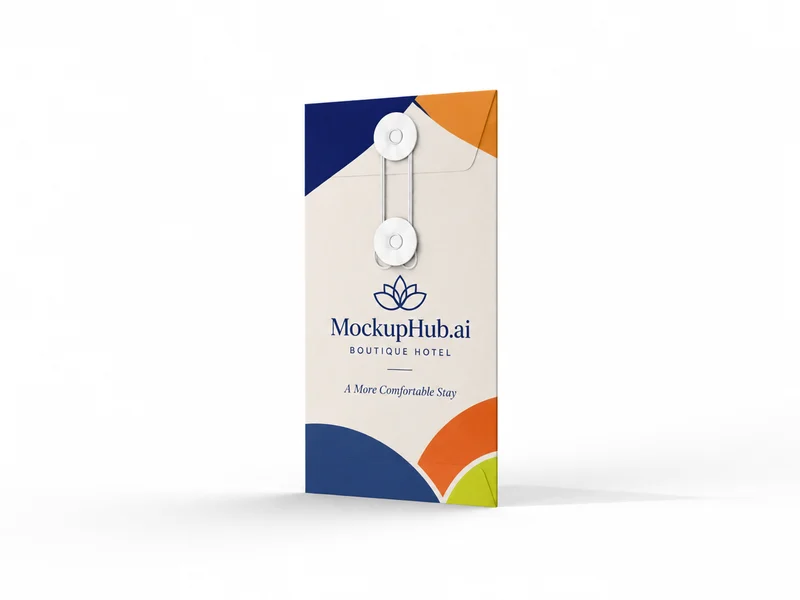
Mailing Envelope Mockup for Invitation Artwork
 3D mockup, view in 360°
label
Rectangular Clothing Tag with String Mockup
 3D mockup, view in 360°
frame
460 x 610 mm Movie Poster Frame Mockup
 3D mockup, view in 360°
bag
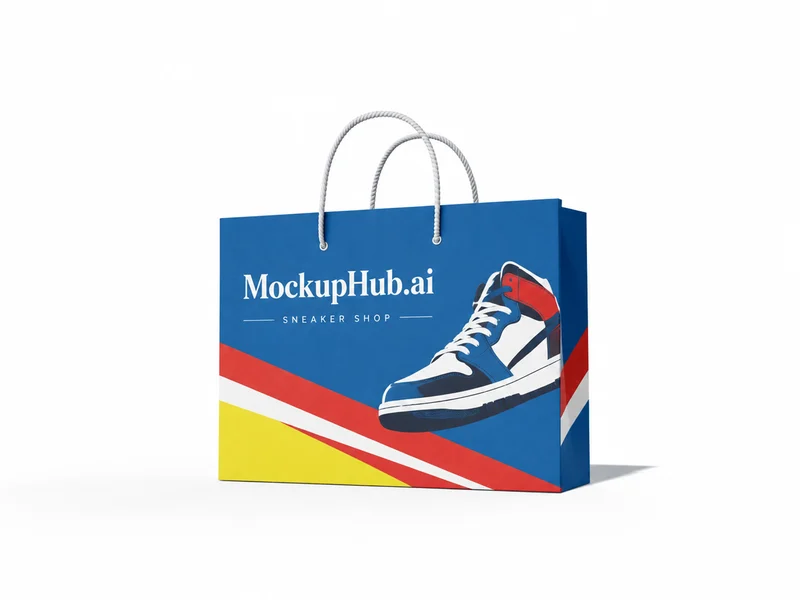
Paper Shopping Tote Mockup for Package Artwork Review
 3D mockup, view in 360°
label
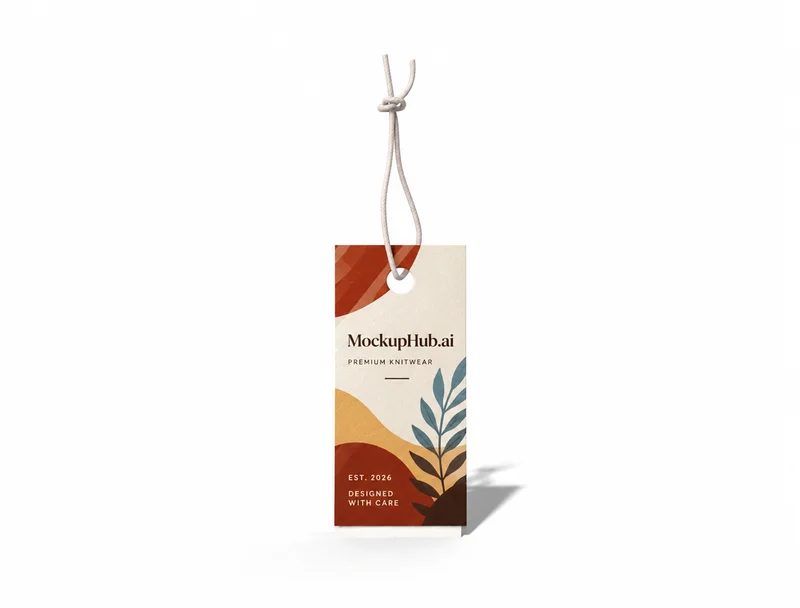
Clothing Tag Mockup for Apparel Label Artwork
 3D mockup, view in 360°
brochure
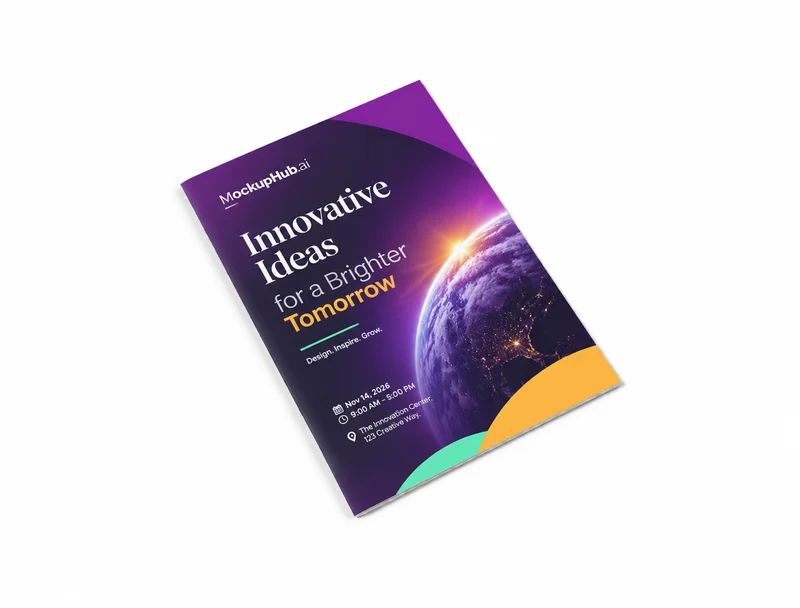
A4 Brochure Booklet Mockup, 210 x 297 mm
From artwork to mockup
Upload design
Choose a design area and place your artwork.
Customize
Use the available controls to style your scene.
Export
Choose your image format and resolution.
