3D Mockup
Floating Canvas Shopping Tote Bag Mockup for Branding
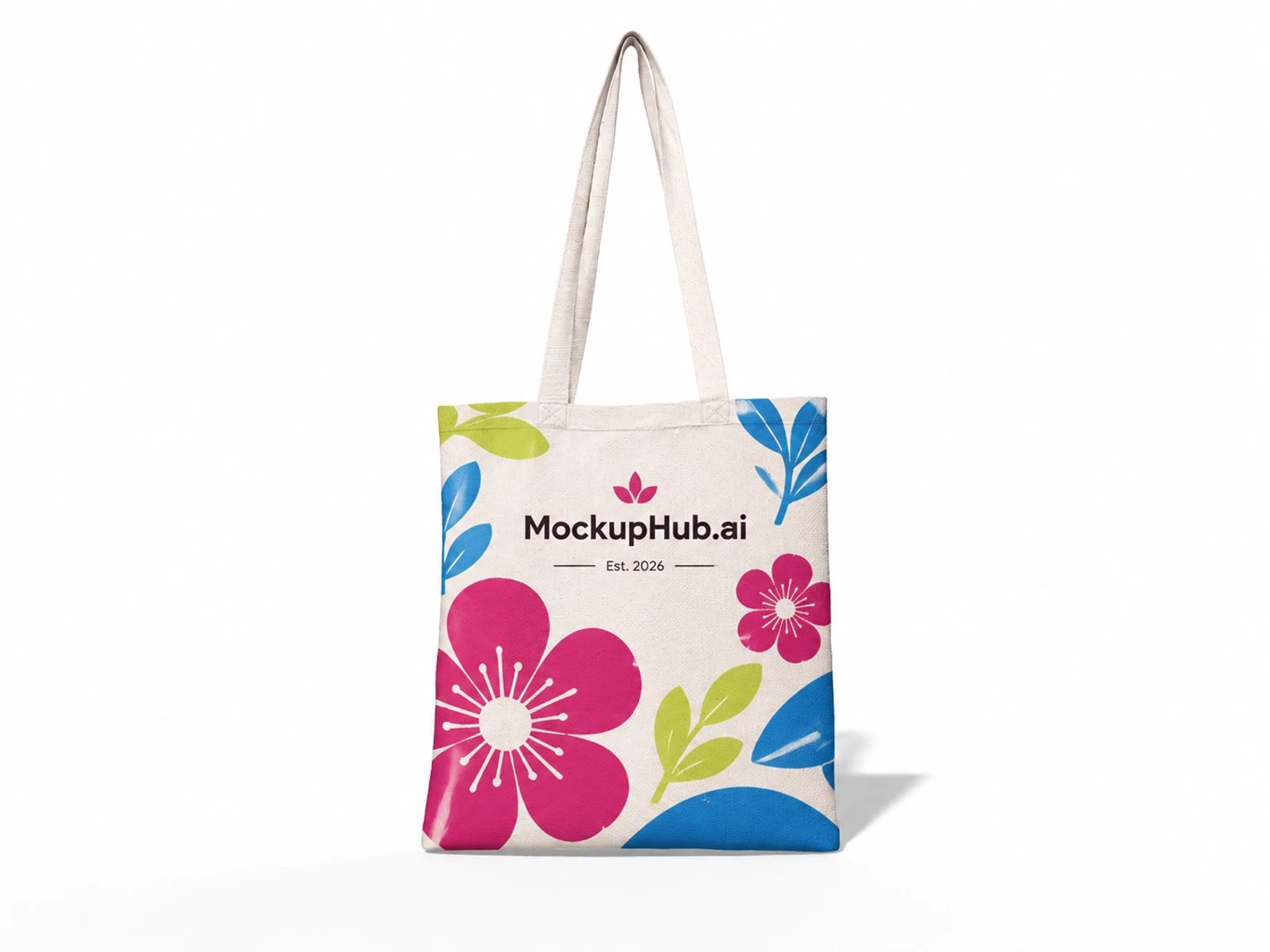
Reference preview
Reference cover; your result depends on your artwork and editor settings.
Present artwork on a floating canvas shopping tote bag mockup.
- 1 design area
- 1 finish
- Recolor parts
- JPG / PNG
Template details
Review its printed area, logo scale, and graphic composition for a polished retail design.
Artwork
Artwork
- Design canvas
- 2,646 × 1,512 px
- Artwork size
- 700 × 400 mm
Customization
- Material presets
- Canvas
- Recolorable parts
- Handle, Body, Stitching
Export
- Image export
- JPG / PNG
- Image resolution
- 2K2,048 px long edge
- 4K4,096 px long edge
- 8K8,192 px long edge
- Artwork PDF
- With dimensions
Usage notes
For visual previews. Before production, confirm dimensions, colors and print requirements with your manufacturer.
Design guide
The floating tote preview lets you check a graphic alongside the bag’s fabric, handles, and stitching. Start by placing your image, then compare bag colors while keeping the artwork unchanged.
Place your graphic on the tote
Prepare a 2646 × 1512 px image for the single Artwork surface. The corresponding artwork sheet measures 700 × 400 mm; this is the layout size, not the finished tote size. The model has a fixed size.
After uploading, inspect where the graphic appears on the bag. Check the logo scale and text placement in the preview, then adjust your image if either needs moving. For a design with both an illustration and a slogan, check their positions together before exporting.
Compare body, handle, and stitching colors
The Canvas visual material preset shows the design with a canvas finish; it does not specify a physical production material. Recolor the Body, Handle, and Stitching to compare combinations. Start with the bag color behind the graphic, then try matching or contrasting handles. Check whether the stitching color remains visible against the body.
Export previews as JPG or PNG at 2K, 4K, or 8K, with long edges of 2048, 4096, or 8192 px respectively. You can also export an Artwork PDF with dimensions to review the layout. It is not a manufacturing cutting dieline.
Use cases
- Museum shop proposal: Create a museum shop presentation showing an exhibition illustration on the tote with handles matching the poster colors.
- Bookstore product listing: Export a bookstore merchandise listing image featuring an original reading slogan on a cream bag with burgundy handles.
- Grocery store color comparison: Prepare a grocery store comparison sheet showing the same tote logo against two body colors for selection.
Browse other published templates using the same material preset.
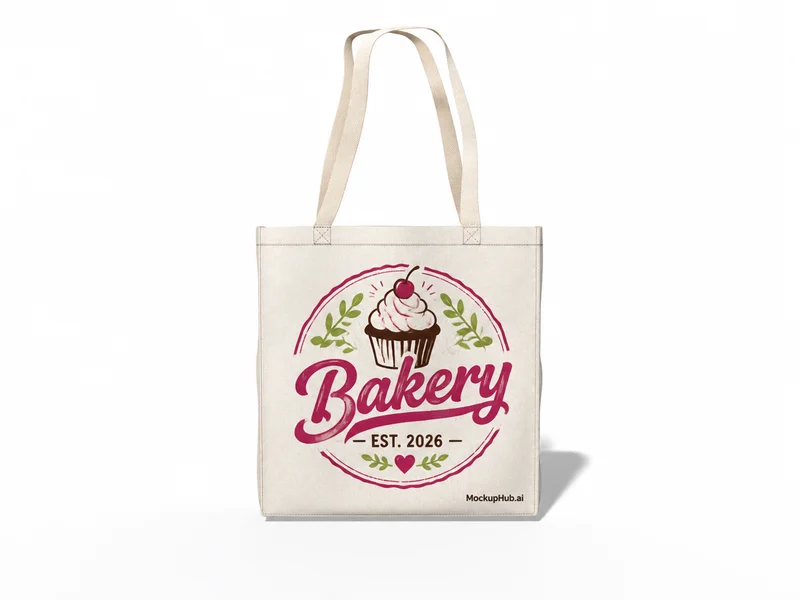


From artwork to mockup
Upload design
Choose a design area and place your artwork.
Customize
Use the available controls to style your scene.
Export
Choose your image format and resolution.