3D Mockup
Baby Jersey Tank Top Mockup, 350 mm L x 460 mm H
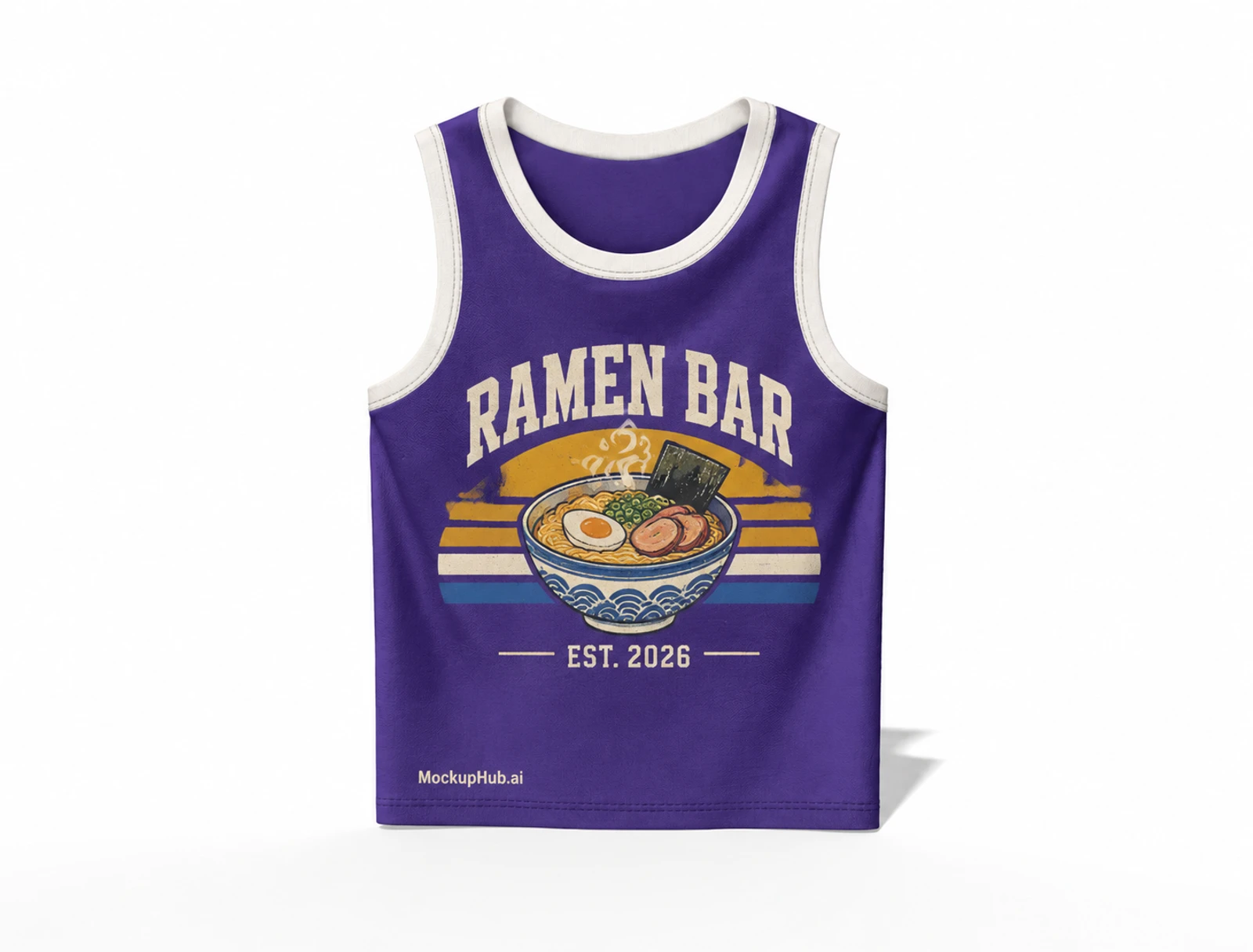
Reference preview
Reference cover; your result depends on your artwork and editor settings.
Use the 3D baby jersey tank top mockup to position artwork on its 350 mm long by 460 mm high garment format and review proportion across the jersey front.
- 1 design area
- 1 finish
- Recolor parts
- JPG / PNG
Template details
Artwork
- Nominal size
- 350 x 460 mm
Artwork
- Design canvas
- 3,084 × 1,802 px
- Artwork size
- 816.003 × 476.853 mm
Customization
- Material presets
- Cotton base
- Recolorable parts
- Collar, Body, Stitching, Collar stitching, Cuff stitching, Cuffs
Export
- Image export
- JPG / PNG
- Image resolution
- 2K2,048 px long edge
- 4K4,096 px long edge
- 8K8,192 px long edge
- Artwork PDF
- With dimensions
Usage notes
For visual previews. Before production, confirm dimensions, colors and print requirements with your manufacturer.
Design guide
For a name design or illustration, check the image placement first, then compare garment colors using the same artwork. This baby jersey tank top has a fixed 350 × 460 mm format.
Place a name or illustration
Prepare a 3084 × 1802 px image for the Artwork surface. The corresponding artwork sheet measures 816 × 476.85 mm; these measurements describe the image layout, not the finished garment.
Upload the image and inspect its placement in the preview. Check that names remain readable and that the illustration appears at the size you intended. Adjust the image and check again before creating color variations.
Compare body, trim and stitching colors
Cotton base is the visual material preset. Recolor the Body, Collar and Cuffs to compare matching trim with contrasting edges. You can also change Stitching, Collar stitching and Cuff stitching colors separately. Keep the uploaded image unchanged while comparing these combinations so you can see how each garment color affects it.
Save the selected version as JPG or PNG at 2K, 4K or 8K, with long edges of 2048, 4096 or 8192 px. The fixed template also provides an Artwork PDF with dimensions for the artwork layout. It is not a garment cutting pattern.
Use cases
- Product listing image: Create a product listing image showing a nursery illustration on the tank top with coordinated collar and cuffs.
- Client color comparison: Prepare a client comparison sheet showing the same tank top artwork with three different body and trim colors.
- Personalized artwork review: Export an Artwork PDF and a rendered preview for a personalized baby tank top featuring a child's name.
Browse other published templates using the same material preset.
 3D mockup, view in 360°
apron
Kitchen Apron Mockup, 1030 x 570 mm
 3D mockup, view in 360°
banner
Retractable Banner Mockup for Event Display Artwork
 3D mockup, view in 360°
pants
Sweatpants Mockup for Apparel Design Review
 3D mockup, view in 360°
tank-top
Baby Tank Top Mockup, 350 mm L x 500 mm H
 3D mockup, view in 360°
pants
Sweatpants Mockup for Brand Artwork
 3D mockup, view in 360°
hoodie
Oversized Half-Zip Hoodie Mockup, 630 mm Long x 700 mm High
From artwork to mockup
Upload design
Choose a design area and place your artwork.
Customize
Use the available controls to style your scene.
Export
Choose your image format and resolution.