3D Mockup
42 mm Apple Watch Series 10 Mockup with Screen Art
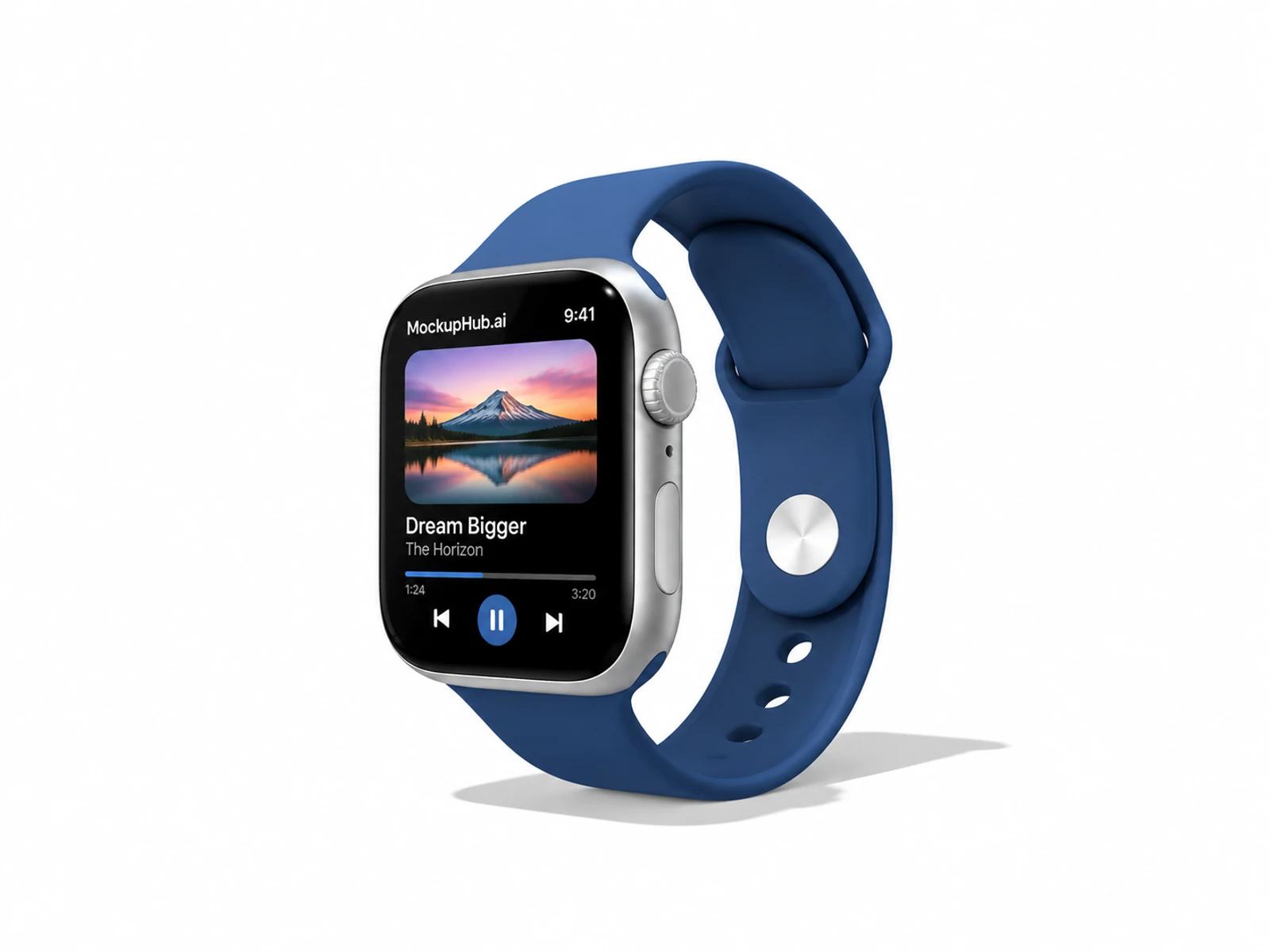
Reference preview
Reference cover; your result depends on your artwork and editor settings.
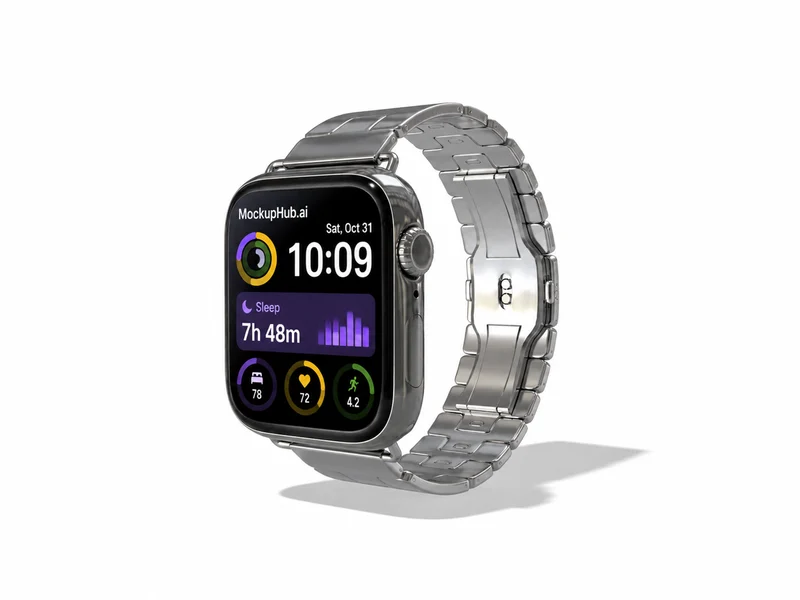
A 42 mm Apple Watch Series 10 mockup shows a watch face, case, and strap.
- 1 design area
- JPG / PNG
Template details
Place interface artwork on the screen and keep the device details clear in view.
Artwork
Artwork
- Design canvas
- 115 × 138 px
- Artwork size
- 30.5 × 36.5 mm
Export
- Image export
- JPG / PNG
- Image resolution
- 2K2,048 px long edge
- 4K4,096 px long edge
- 8K8,192 px long edge
- Artwork PDF
- With dimensions
Usage notes
For visual previews. Before production, confirm dimensions, colors and print requirements with your manufacturer.
Design guide
Use this 42 mm smartwatch mockup to review a watch face or app screen in the context of the case and strap. The model size and supplied finish are fixed, and there are no recolor controls.
Fit the interface to the watch screen
Prepare your image to match the Artwork surface’s 115 × 138 px portrait canvas, then upload it and inspect the watch preview. Check whether small labels are readable, icons are distinguishable and the interface sits where you expect it on the screen.
For a workout summary, for example, check that the activity name and main result are easy to read together. Review the preview at the size you plan to use in your presentation or article, since a large export alone does not establish whether the interface is readable.
Choose files for your review
Export the rendered watch as JPG or PNG at 2K, 4K or 8K, with a long edge of 2,048, 4,096 or 8,192 px respectively.
You can also export an Artwork PDF with dimensions. Its 30.5 × 36.5 mm sheet describes the artwork layout, not the watch case. Use it to review that layout separately; it is not a manufacturing cutting dieline.
Use cases
- Fitness app review: Create a product review slide showing a fitness app’s workout summary on the watch screen for stakeholder feedback.
- Watch face portfolio: Prepare a portfolio image presenting an original watch face, with its time display and date visible together.
- Notification help article: Produce a help article illustration showing a reminder notification on the watch screen beside instructions for new users.
From artwork to mockup
Upload design
Choose a design area and place your artwork.
Customize
Adjust the view and background.
Export
Choose your image format and resolution.