3D Mockup
24-Inch iMac Desktop Computer Mockup
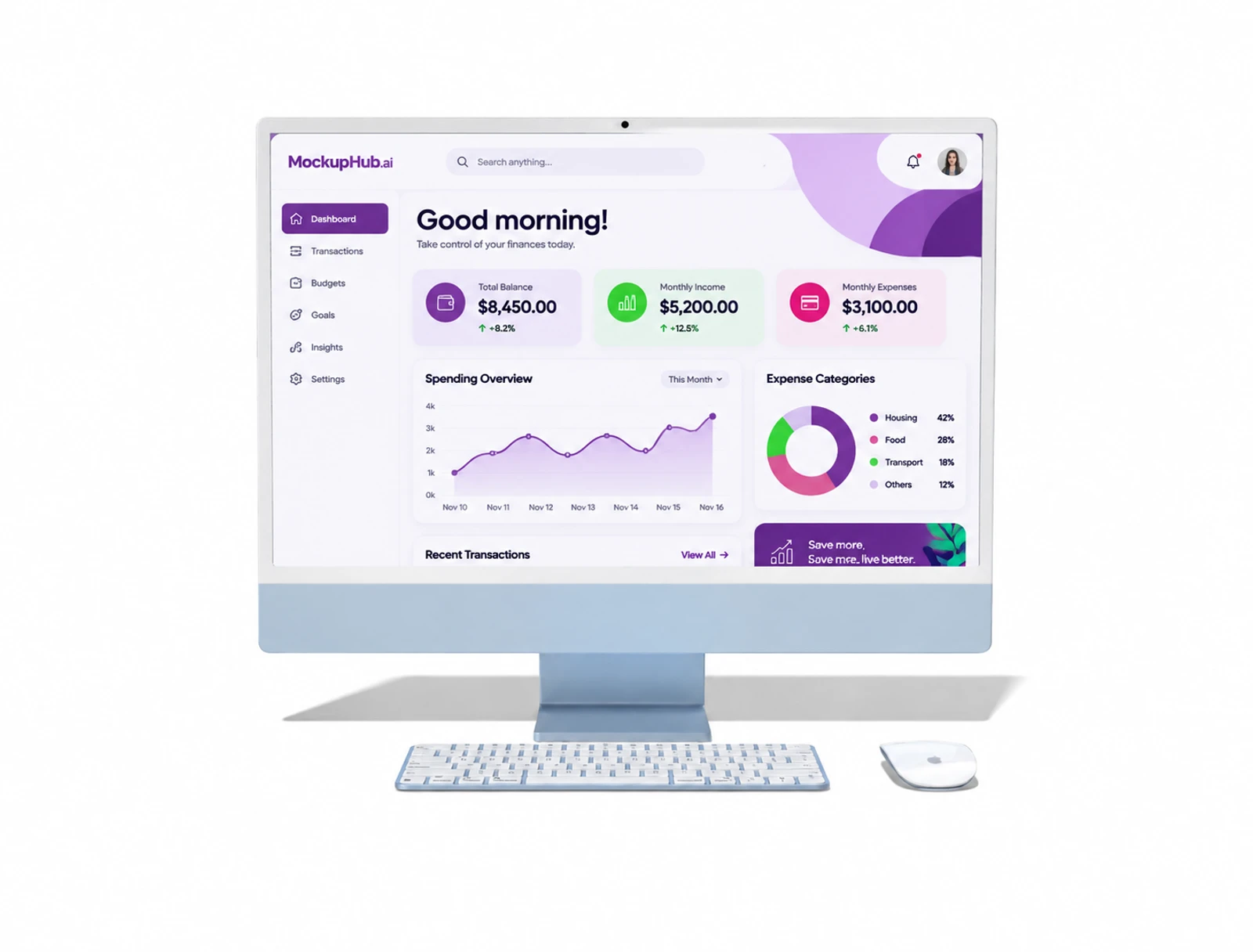
Reference preview
Reference cover; your result depends on your artwork and editor settings.
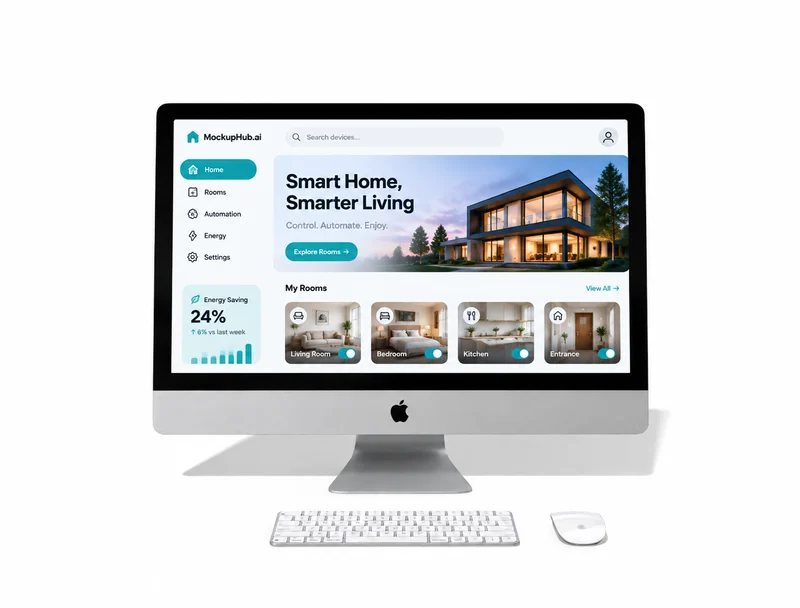
An iMac 24-inch desktop computer mockup pairs the display with keyboard and mouse, presenting screen layouts and interface artwork in a desktop context.
- 1 design area
- JPG / PNG
Template details
Artwork
Artwork
- Design canvas
- 1,977 × 1,175 px
- Artwork size
- 523 × 311 mm
Export
- Image export
- JPG / PNG
- Image resolution
- 2K2,048 px long edge
- 4K4,096 px long edge
- 8K8,192 px long edge
- Artwork PDF
- With dimensions
Usage notes
For visual previews. Before production, confirm dimensions, colors and print requirements with your manufacturer.
Design guide
Use this desktop mockup to present a specific website view or dashboard screen. Choose the content you want readers to inspect before preparing the image, especially when the original page extends beyond one screen.
Frame the desktop screen content
Prepare a 1977 × 1175 pixel image for the Artwork surface. Match those proportions when composing your screenshot so you can decide what to include before uploading. For a dashboard, choose a view that shows the relevant charts and labels together; for a website, select the section your presentation discusses.
Check the uploaded image in the preview. Confirm that the intended content is visible and that text near the edges remains readable. The model size and supplied finish are fixed, and recoloring is unavailable.
Choose a file for your presentation
Export the rendered mockup as JPG or PNG. The 2K, 4K and 8K options have long edges of 2048, 4096 and 8192 pixels, respectively. These are output image sizes, separate from the upload canvas.
You can also export an Artwork PDF of the fixed 523 × 311 mm artwork sheet. This measurement describes the artwork layout, not the computer, and the PDF is not a manufacturing cutting dieline.
Use cases
- Website approval: Create a client approval slide showing a redesigned restaurant homepage within the supplied desktop computer setup.
- Training guide: Export a PNG of an employee analytics dashboard for the opening page of an internal training guide.
- Interface portfolio: Prepare a portfolio image showing a clinic appointment booking interface, with the calendar and appointment details visible together.
From artwork to mockup
Upload design
Choose a design area and place your artwork.
Customize
Adjust the view and background.
Export
Choose your image format and resolution.