3D Mockup
13.6-Inch 2022 MacBook Air Laptop Mockup
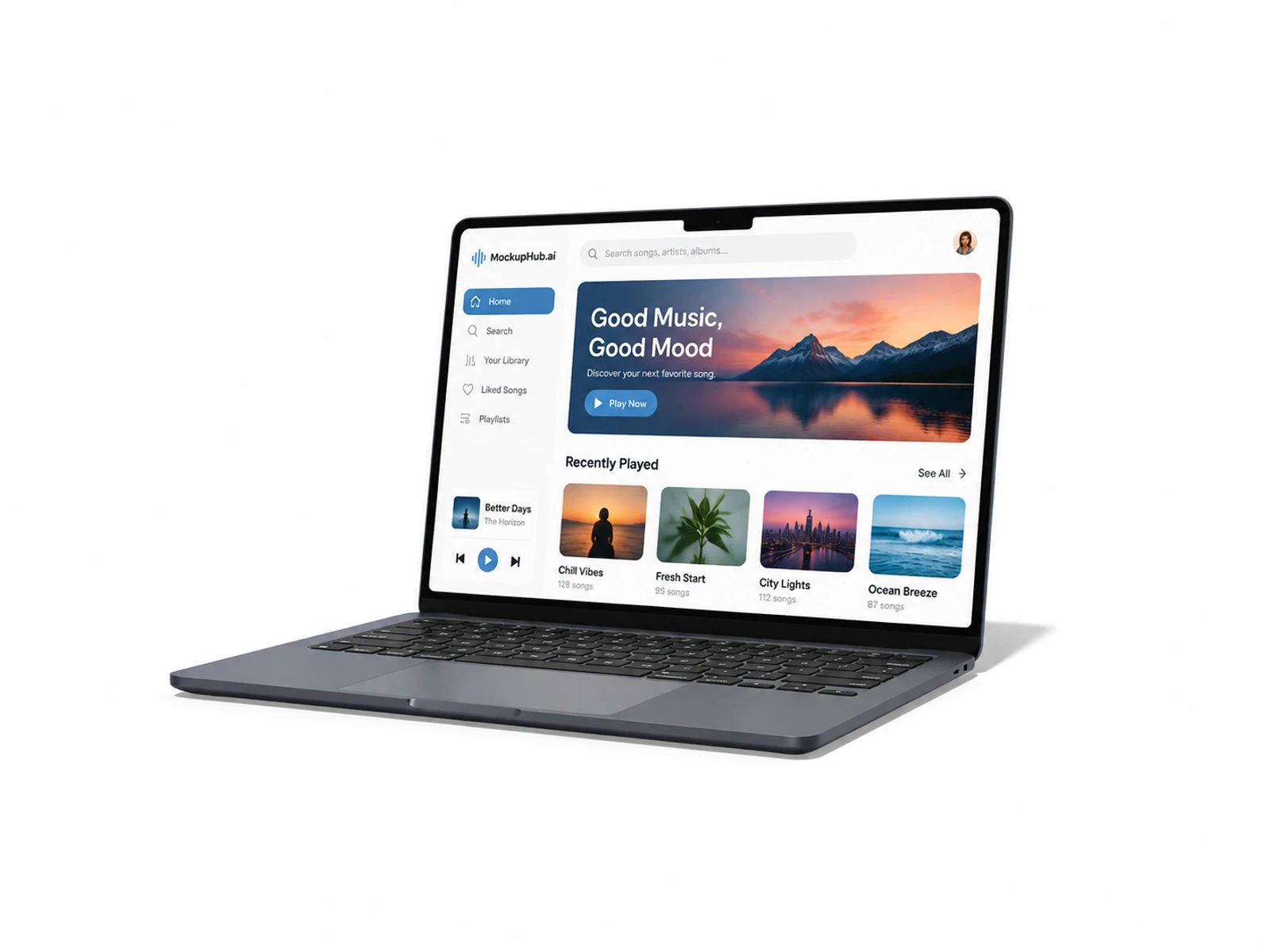
Reference preview
Reference cover; your result depends on your artwork and editor settings.
This 3D 13.6-inch 2022 MacBook Air laptop mockup places interface and web artwork on the screen for layout presentation and review.
- 1 design area
- JPG / PNG
Template details
Artwork
Artwork
- Design canvas
- 1,228 × 786 px
- Artwork size
- 325 × 208 mm
Export
- Image export
- JPG / PNG
- Image resolution
- 2K2,048 px long edge
- 4K4,096 px long edge
- 8K8,192 px long edge
- Artwork PDF
- With dimensions
Usage notes
For visual previews. Before production, confirm dimensions, colors and print requirements with your manufacturer.
Design guide
Use this 13.6-inch 2022 laptop model to present a website page or app interface. Choose a view that gives the reader enough detail to assess the design, such as a homepage header or a dashboard overview.
Choose what appears on the laptop screen
Prepare your image for the Artwork surface’s 1228 × 786 px canvas. Match those proportions and capture the page at the scroll position you want to show. A tall screenshot of an entire website can make text too small when fitted into the screen area.
The 325 × 208 mm artwork sheet describes the screen artwork layout, not the laptop’s overall dimensions.
Check the interface in context
After uploading, inspect the preview for placement and readable text. If the important content looks too small, return to the source image and capture a closer view. The model’s size, colors and supplied finish are fixed, so comparisons between interface versions use the same laptop appearance.
Export JPG or PNG for presentations, portfolios or training slides. The 2K, 4K and 8K options have long edges of 2048, 4096 and 8192 px, respectively. For the artwork layout itself, export the Artwork PDF with dimensions.
Use cases
- Homepage review: Create a client presentation image showing a proposed homepage on the laptop screen for the next website review.
- Dashboard portfolio: Prepare a portfolio image that presents a dashboard interface within a laptop setting alongside your project description.
- Employee training: Export a training slide image showing an internal application's login screen so new employees recognize the interface.
From artwork to mockup
Upload design
Choose a design area and place your artwork.
Customize
Adjust the view and background.
Export
Choose your image format and resolution.